Cobalt 8.1 - 20181029
828
Masters - Chase mode sequences
Enter the number, hold SEQUENCE and press a Master Key to load to that Master.
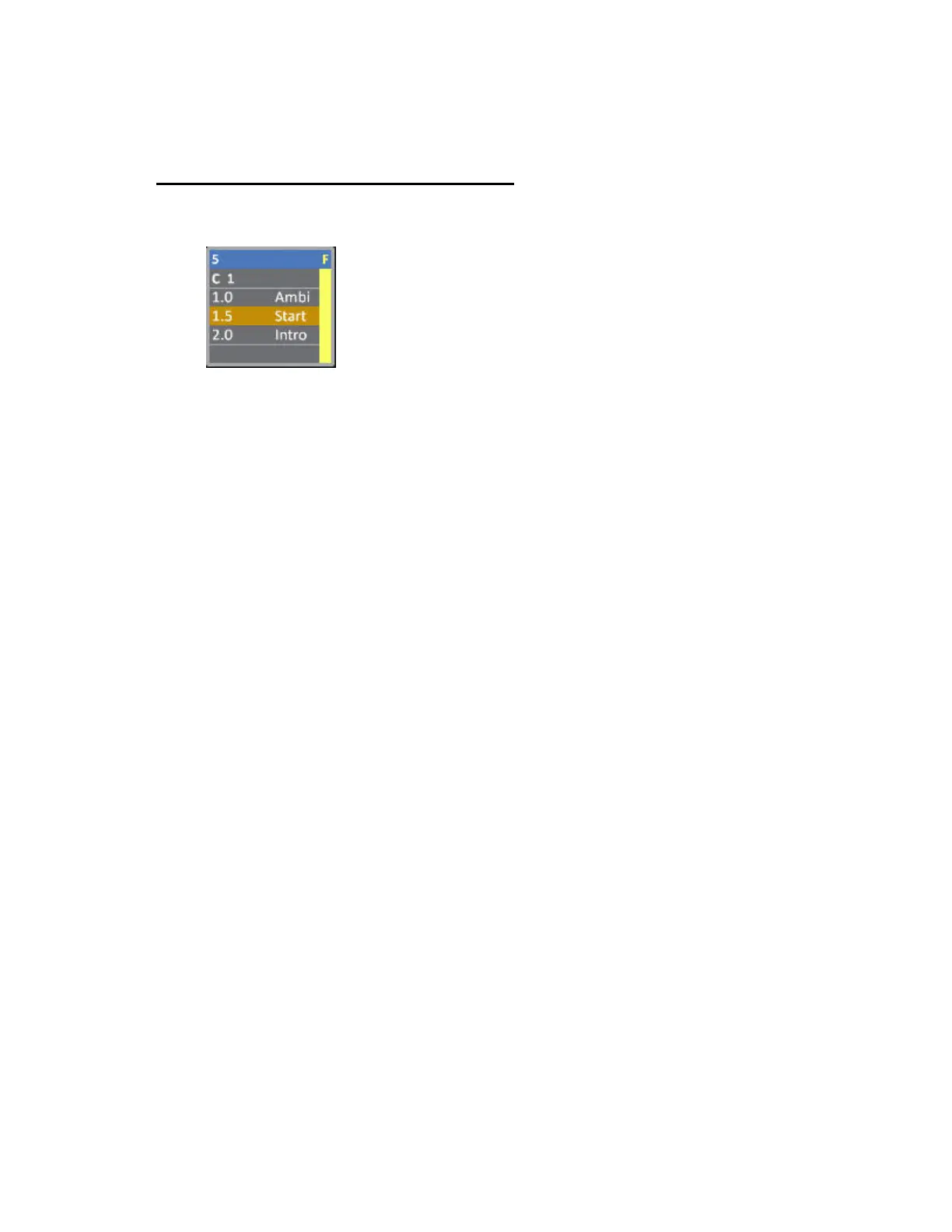
You can load and play back sequences in "chase" mode from master playbacks. They are displayed
with a "C" before the number in the master displays.
Once a chase is loaded to a master you can
• Use the master fader to control the output level
• Use the flash key to flash the chase
• Use the master key as a GO or Go/Pause key
• Use the flash key as a GoBack key
Attributes are executed only when the fader is over zero. The Chase will start from the first step every
time the fader is brought over 0%.
Time Master
A special feature available for sequences in chase mode is a Time Master. By creating a time master
you can control the speed of a chase.
A Time Master can only be assigned from the Master List.
1. Open the master list using [MODIFY] & [MASTER] or from the Browser >Masters >MasterList.
2. Set "Content Type" to "Time Master"
3. Set "Content" to the number of the chase you wish to control.



 To Next Page