Cobalt 8.1 - 20181029
356
Presets - Auto-Save
Each time you record a preset or a group all changes to the play since the last RECORD or Save are
stored in a play called AUTOSAVE.ASC.
This play is stored in the Play Archive (Browser >File >Open >Play Archive) and can be opened like
any play.
Function Console Feedback
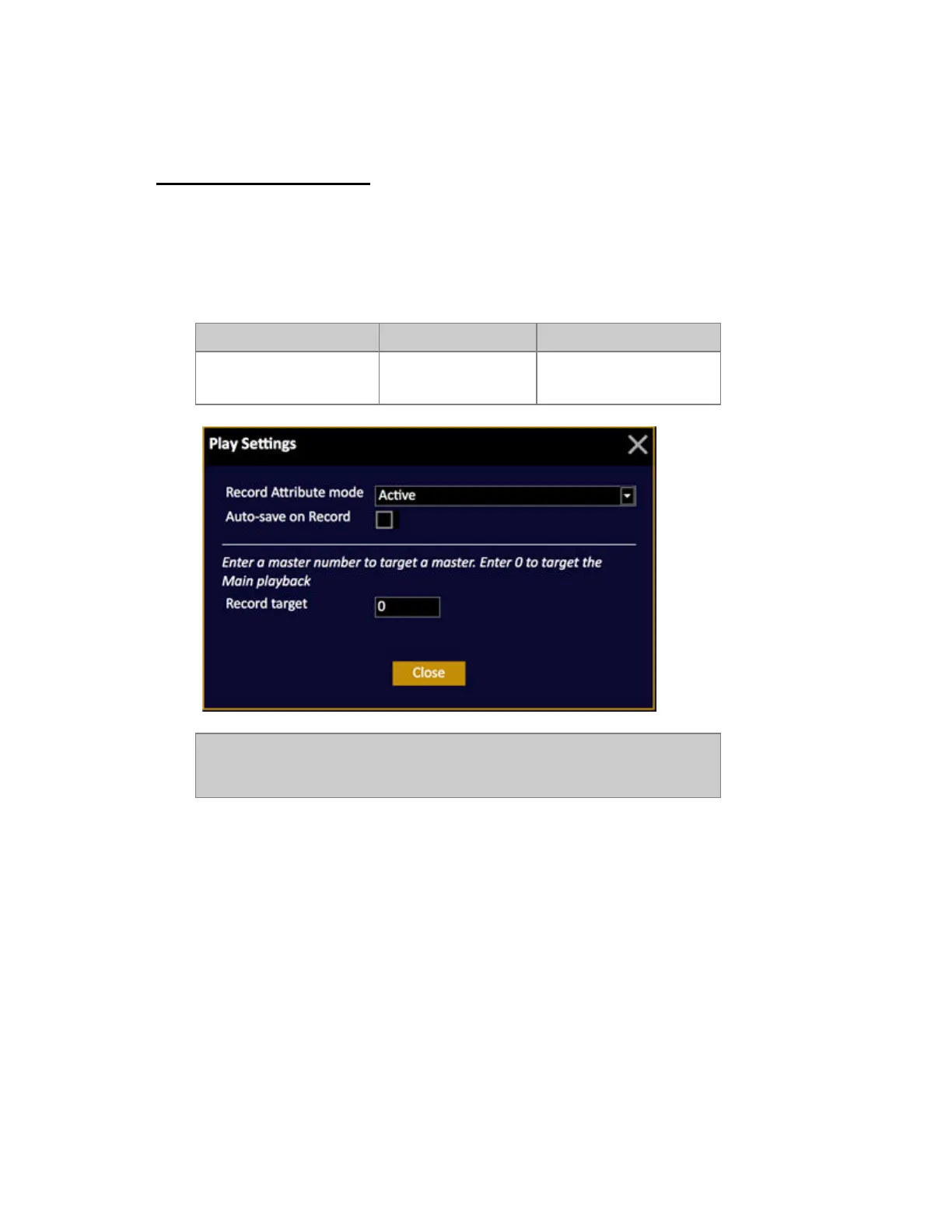
Open Auto Save setting
[SETUP] &
[RECORD]
Opens a popup where you
can set Auto-Save to ON.
NOTE
This is a feature that we recommend you to use with caution. Saving a large
show can slow down the system temporarily.



 To Next Page