Cobalt 8.1 - 20181029
742
3. Let go of the Key to activate the current selection.
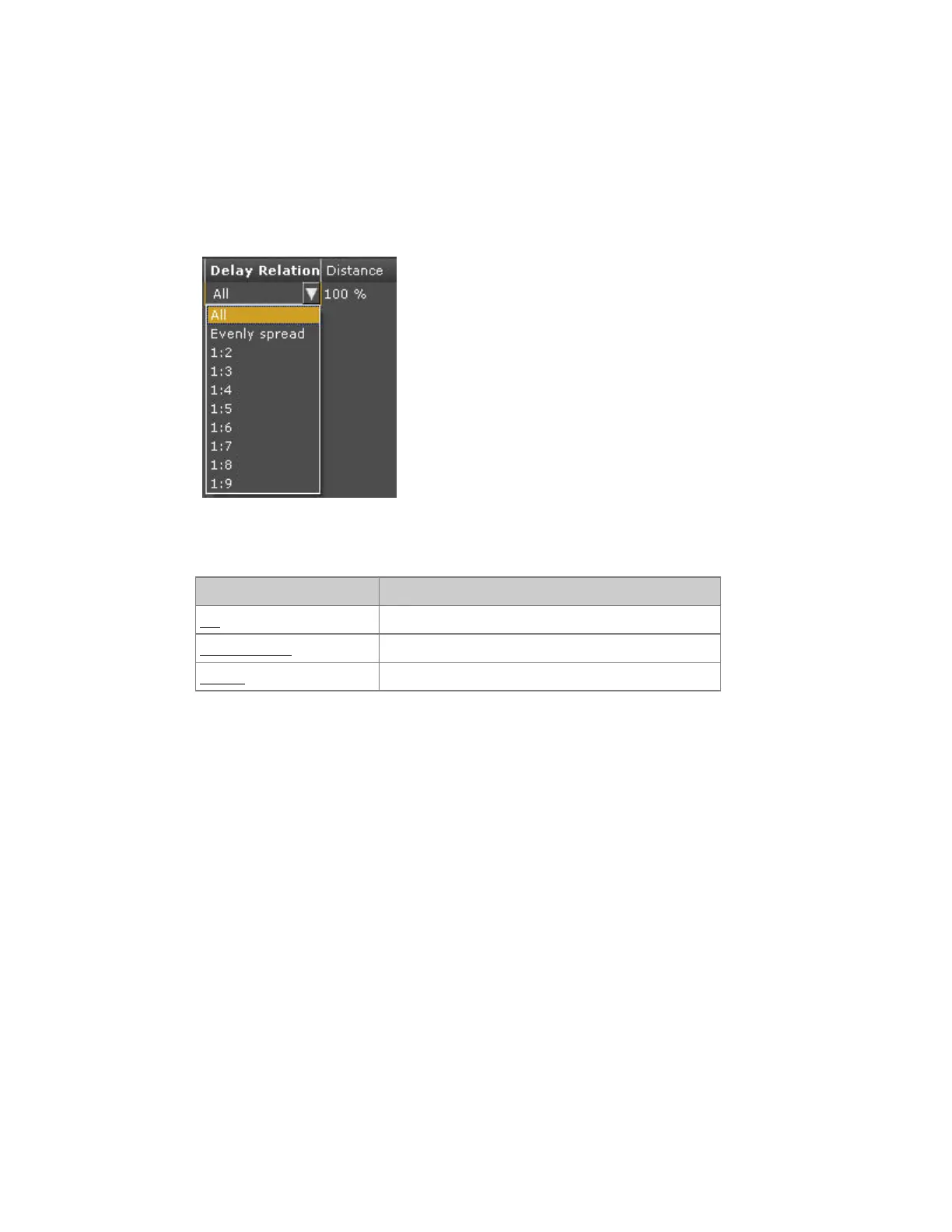
Delay Relation & Distance
Specify when channels start in relation to each other.
Delay Relation and Distance are set in the Dynamic Effect views (Live and Preset). Press MODIFY in
Delay Relation for a dropdown with the following options
Action Description
All All devices start at the same time.
Evenly Spread The starting time is evenly delayed.
1:2-1:9 The selected devices are divided in # groups (1:#).
Distance specifies the time (in percent) between the starting point of each channel when the Delay
Relation is used.
Delay Relation & Distance - Dynamics Display
In the Dynamics Display the Delay Relation is mapped to wheel 4. There is a soft key for setting the
Distance parameter directly with a numeric value.
Activate the Dynamics Soft Key Page in the Main Display of the console facepanel by pressing
DYNAMICS in the top menu.
1. Hold wheel key 4 to get a list of Delay Relations in the display.
2. Select a relation using the wheel.
3. Let go of the key to activate the current selection.
Enter a number and press DISTANCE to set the Distance value 0-100%.



 To Next Page