Cobalt 8.1 - 20181029
647
Device Times - Attribute Editor Times
Times can be set and edited in the Live Attributes and Preset Attribute Editors. Please note that times
are set to A working in this editor, regardless of all other settings.
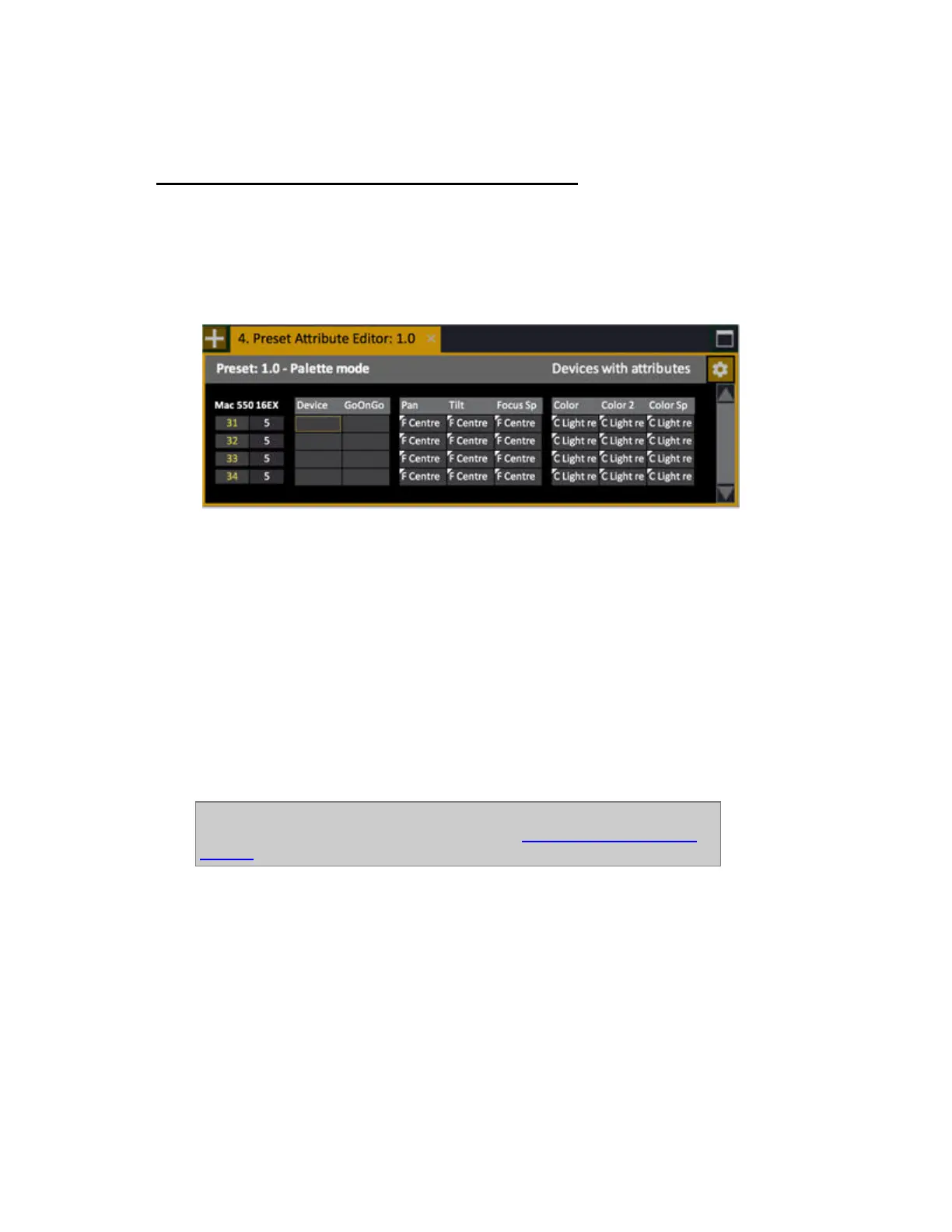
• Press ATTRIB to open the Live Attribute Editor.
• Enter a Preset number, hold PRESET and press ATTRIB to open the Preset Attribute Editor.
Hold FORMAT and press the down arrow to open Time and Delay rows.
Hold FORMAT and press TIME or DELAY to do the same thing.
Hold FORMAT and press the up arrow to close these rows.
In this editor press FORMAT to toggle between
• Selected devices
• Non-zero devices
• Changed devices
• All devices
• Devices with attributes
The current format is indicated in the upper right corner ("Selected devices" in the example above).
NOTE
Times can be set default as % or in seconds. See Device Times - Percent Or
Seconds.



 To Next Page