Cobalt 8.1 - 20181029
865
Master Pages - Functions
It is possible to load and change Master Pages separately to any bank (1-20, 21-40, 41-60, 61-80) of
Master Playbacks. When a new play is created Page 1-4 are automatically loaded.
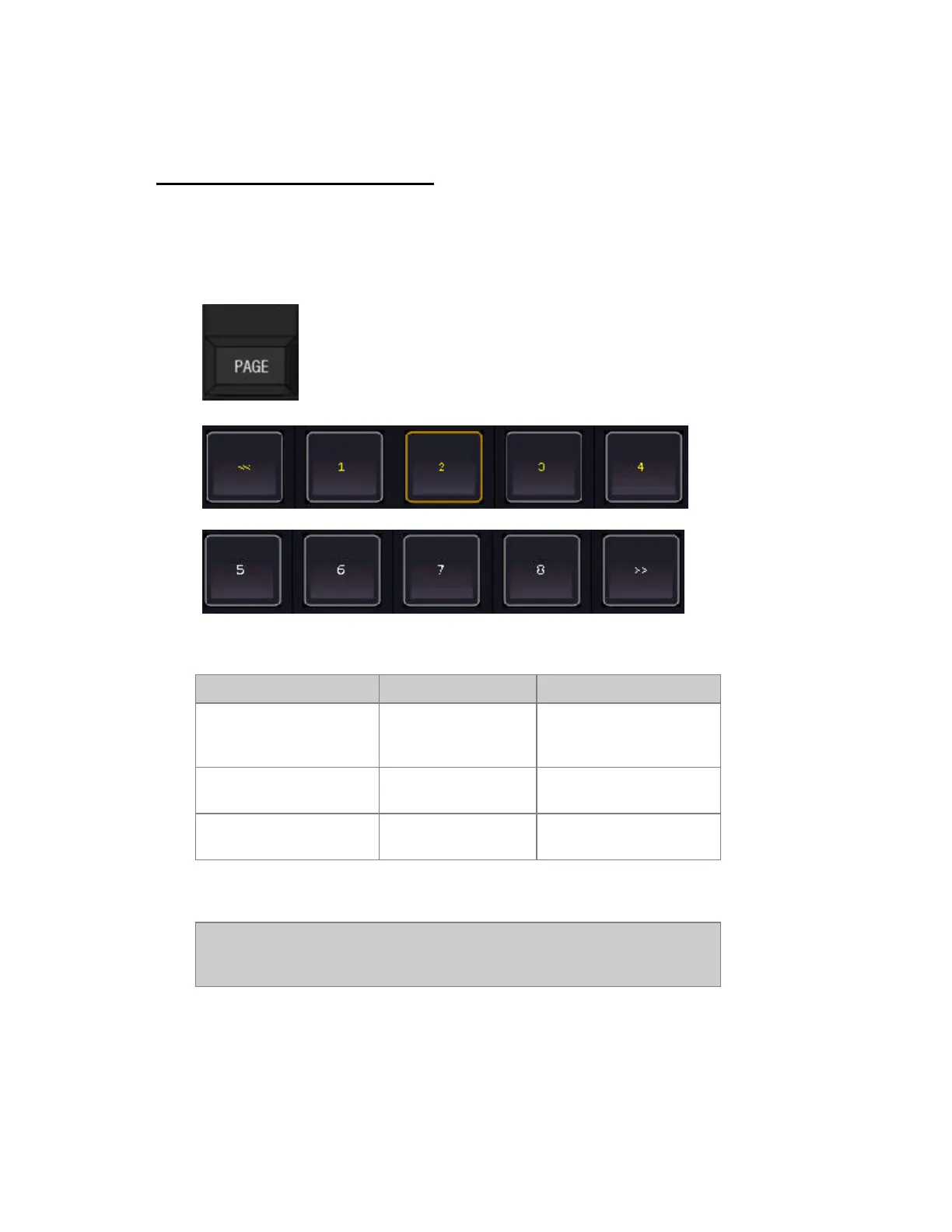
Press PAGE to activate the page direct select keys in the master displays.
More ways to use the PAGE key:
Function Key Feedback
Load Master Page #
[#] [PAGE]
[Master_Key]
Master Page # is loaded* to
the row of masters of the
Master Key (upper/lower)
Step to next Master Page
for the lower bank.
[PAGE] & [+]
Loads the next Master
Page.
Step to previous Master
Page for the lower bank.
[PAGE] &
Loads the previous Master
Page.
*The corresponding Masters are cleared. If the Page does not exist it will be created
NOTE
PENDING - If a master fader is over 0% when new content is loaded - it will
load the new content after fading to 0%.



 To Next Page