Cobalt 8.1 - 20181029
226
Network - Server/Backup (8.0)
When more than one console is used in the same Session the first will be Server, outputting data
actively, and the other will be backup that the takes over in the event that communication with the
server is lost. A Backup only starts sending data to the lighting system once it has taken over and
become Server.
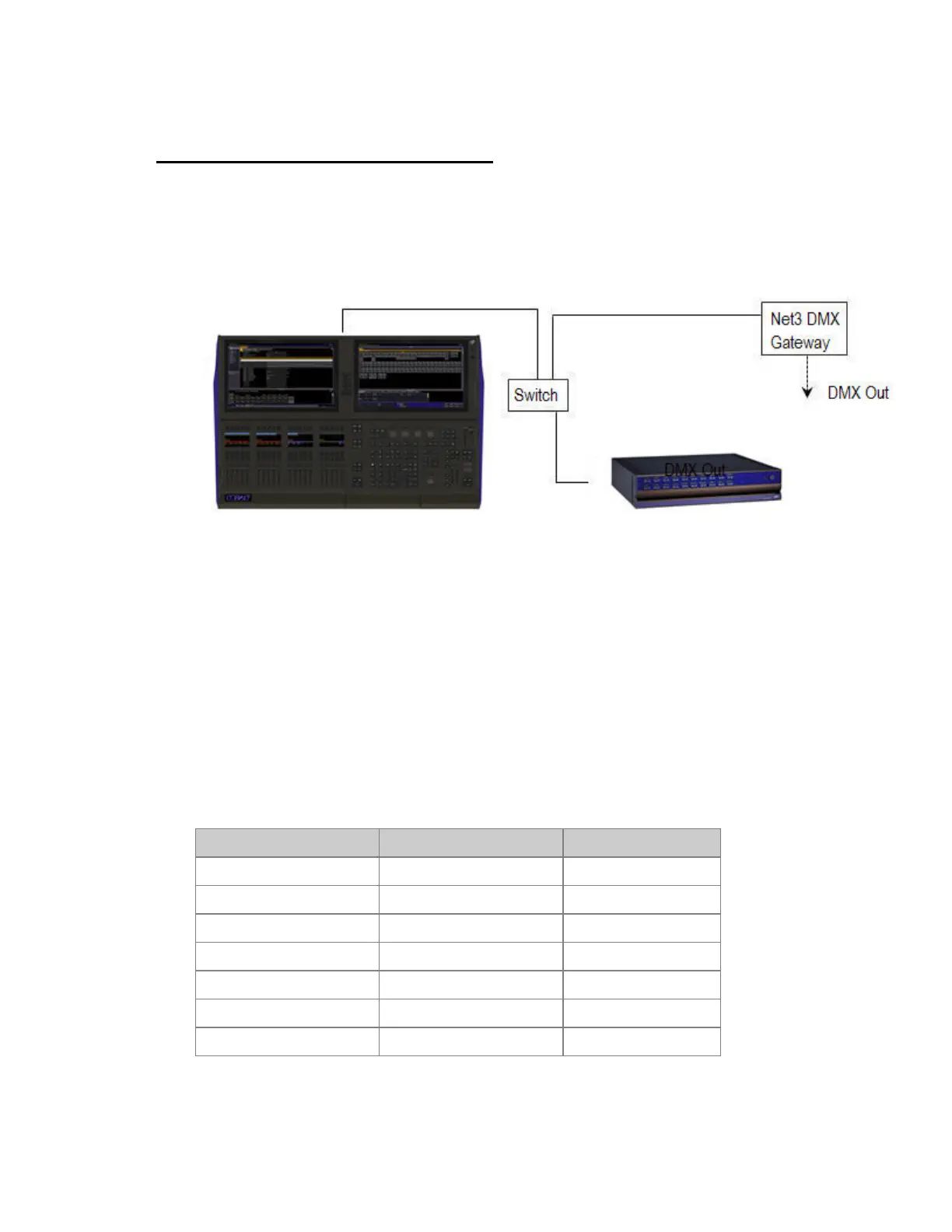
Multi-console systems (server/backup) should be connected to each other through an Ethernet switch
and should use ETC Net3 DMX/RDM Gateways (or similar) for DMX output. It is not recommended
to use a crossover cable or local DMX in backup systems. All backup devices can also be used as
active programming/playback stations.
Server/Backups
When communication with the Server is lost, the next Cobalt in the system (lowest backup number) is
automatically converted to the Server role.
ETCNet2
You can connect to ETC nodes with a Switch (avoid routers, they tend to complicate things). Cobalt
consoles/Client PCs should be given IP addresses in the 10.101.201.101+ range when used with
ETCNet2. Please see the ETCNet2 v4 Planning Guide for information on configuring an ETCNet2
network.
Console
Cobalt Nomad 10.101.79.101 10.101.79.253
Congo jr Console 10.101.81.101 10.101.81.253
Congo Light Server 10.101.82.101 10.101.82.253
Congo Kid 10.101.83.101 10.101.83.253
Cobalt 20 Primary NIC 10.101.84.101 10.101.84.253
Cobalt 10 Primary NIC 10.101.87.101 10.101.87.253
Cobalt LS Primary NIC 10.101.88.101 10.101.88.253



 To Next Page