Cobalt 8.1 - 20181029
61
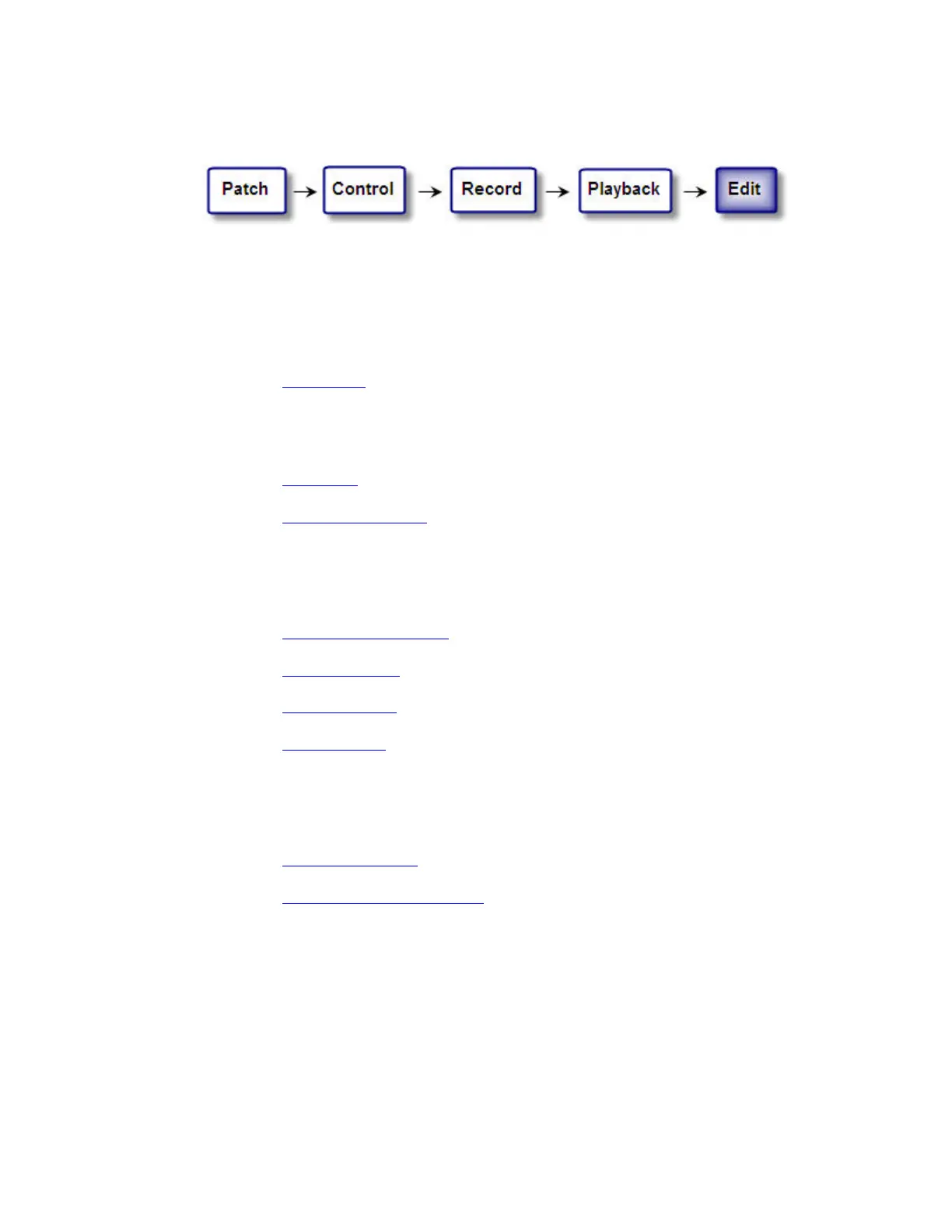
Edit (workflow)
Once a Play is recorded you will want to edit and adjust data. Most of the functionality in Cobalt is
about editing. Here is where basic data is edited.
Groups
• Channels, intensities and text is edited in the Groups list.
See Groups - List
.
Presets
• Intensities, text and FCB timing data are edited in the Preset List.
See Preset - List
.
• Attributes and individual attribute times are edited in the Preset Attribute editor.
See Device Views - Presets
.
Sequences
• Presets, In/Out/Delay/Wait times, text, Attribute Move, Time Code, Macros and Notes are
edited in the Sequence editor.
See Sequences - Sequence List
.
• Channel Times are edited in the Channel Time editor.
See Sequences - Times
.
• Master Links are edited in the Master Link editor.
See Sequences - Links
.
• General playback mode (Sequence/Chase) and chase parameters are set in the Sequences list.
See Sequences - List
.
Additional editing features
• It's possible to track and edit intensities and parameters in a lot of different ways with the
Track function.
See Track - Track Editing
.
• To edit channel intensities in the main playback there is a Channel Editor Wizard.
See Presets - Channel Editor Wizard
.



 To Next Page