EasyManua.ls Logo

ETC Cobalt 10 - Fade Curves

ETC Cobalt 10
1076 pages
Print Icon
To Next Page IconTo Next Page
To Previous Page IconTo Previous Page
Loading...
Cobalt 8.1 - 20181029
435
Fade Curves
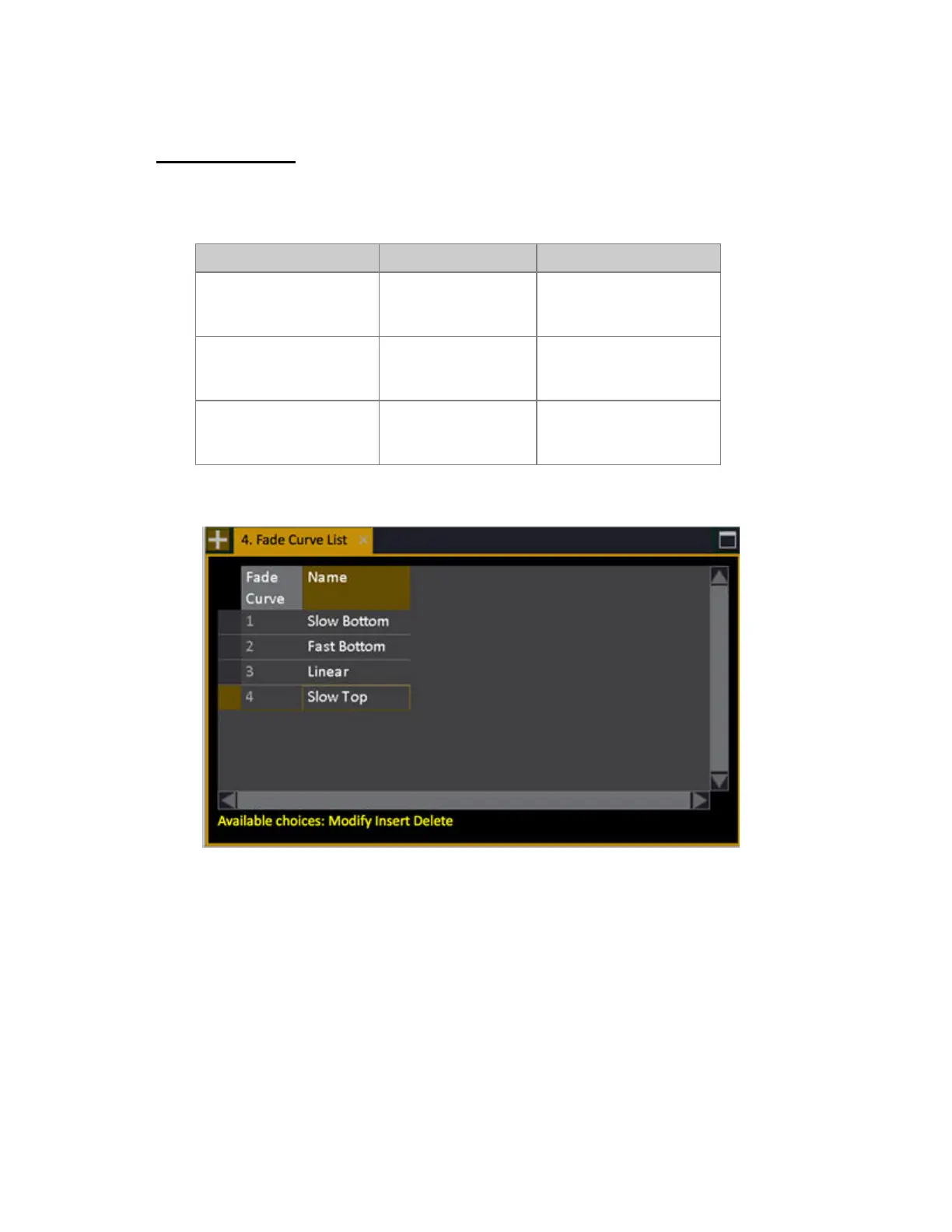
It is possible to create and assign fade curves to each crossfade. It is possible to create any kind of
curve in the Fade Curve Editor. The curves affect intensities, not Moving Device attributes.
Action Key Feedback
1. Open the Fade Curve
List
Browser >Main Show
Data >Settings and
Tools >Fade Curves
The Fade Curve List is
opened.
2. Insert a New Curve
[INSERT]
A new curve is inserted.
You can name it in the
Name cell.
3. Open the Fade Curve
Editor
[MODIFY]
Press MODIFY in the Fade
Curve cell to open the
editor.
When you create a new play a set of standard fade curves are loaded.
Fade Curve Editor (example: fast Top Curve)

Table of Contents

Related product manuals