Cobalt 8.1 - 20181029
136
Files
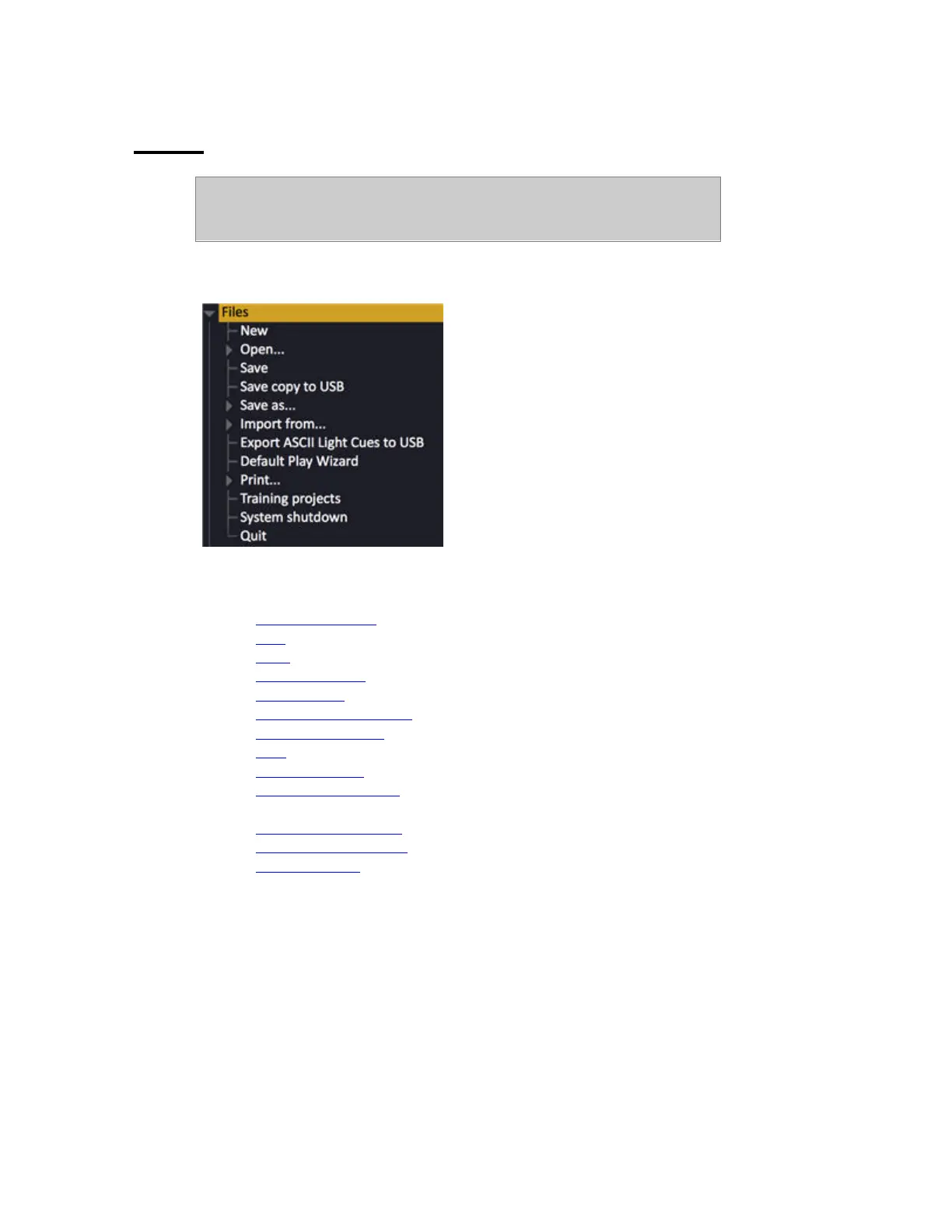
The files node is where you can open, save, export and import show files. You
can also save a default show, copy log files to a USB memory - and exit the
system.
Files Node
This chapter contains the following sections
• Files - Introduction
• New
• Open
• Save & Save as...
• Import from...
• Export to Expert diskette
• Default Play Wizard
• Print
• Training Projects
• Copy Log files to USB
• System Shutdown
• Exit to System Settings
• Exit to Welcome Screen
• Power off (Quit)



 To Next Page