Cobalt 8.1 - 20181029
56
Workflow in Cobalt
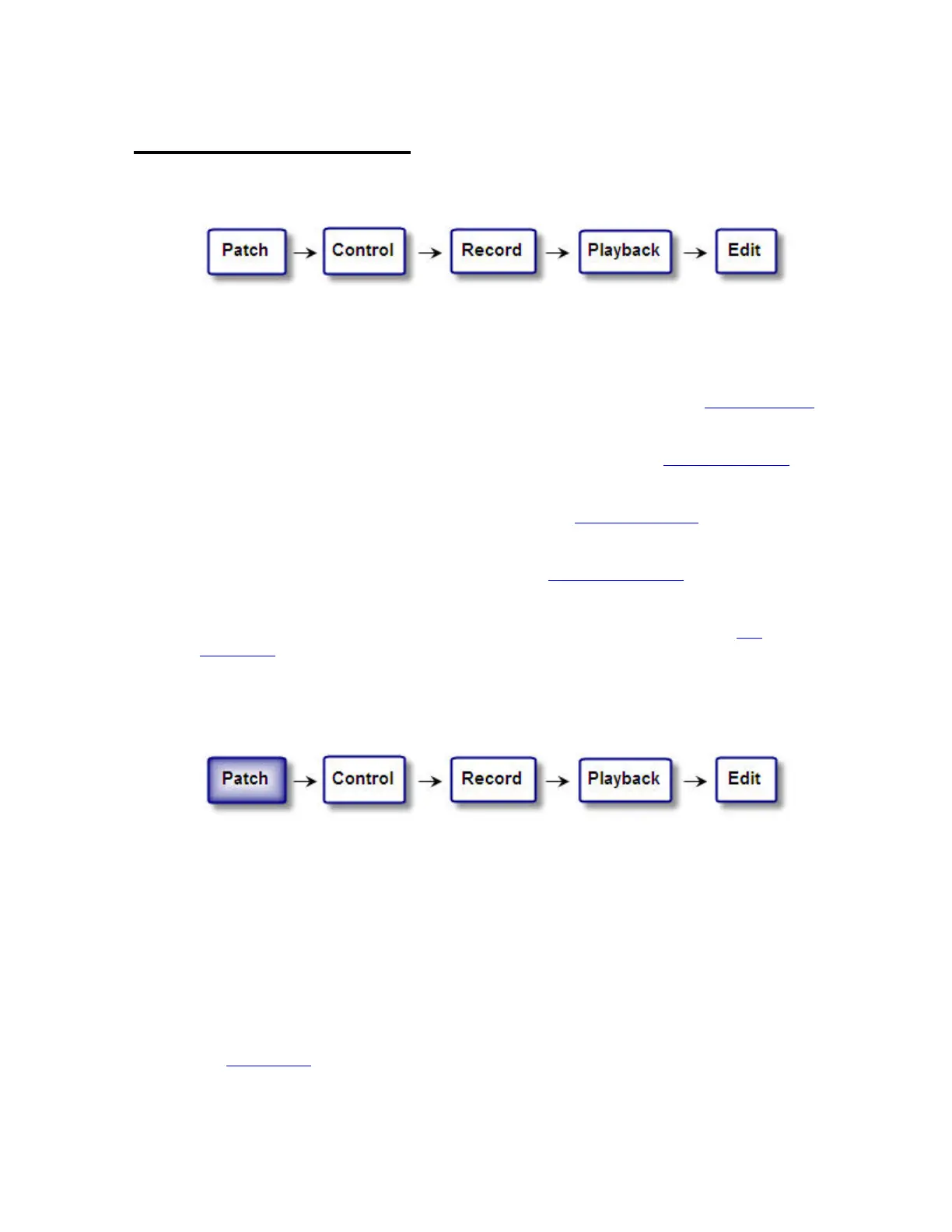
The workflow in Cobalt can be divided into five steps
This chapter is a simplified introduction to this workflow - meant to serve as an introduction to the
basic functionality of the system.
Patch
Before you can control a dimmer or device it has to be patched to a channel. See Patch (workflow)
.
Control
Control is how you select channels, set levels and control parameters. See Control (workflow).
Record
To be able to playback something it has to be recorded. See Record (workflow).
Playback
There is a main playback and 40 master playbacks. See Playback (workflow).
Edit
When recorded information needs to be adjusted there are many tools for editing. See Edit
(workflow).
Patch (workflow)
There are various approaches to patching, which depend on your situation. Very often conventional
lights are patched in one universe, and moving devices in another, in order to simplify
troubleshooting. The main work with patching is the planning involved before approaching the
console.
Patching Conventional Lights
There are three basic approaches to patching conventional lights
Patch 1:1
You can choose the option "Patch 1:1" when you open a new play, or you can set the Patch 1:1 in the
Patch Wizard.
See Patch Wizard
.



 To Next Page