Cobalt 8.1 - 20181029
705
Step around with arrow keys, press MODIFY to get a dropdown, or enter a number and press
MODIFY.
NOTE
When you press MODIFY or enter a number it will be an absolute value or a
Palette value - depending on the setting in Attribute Settings. See Play
Settings - Attribute.
Content Effect Parameters
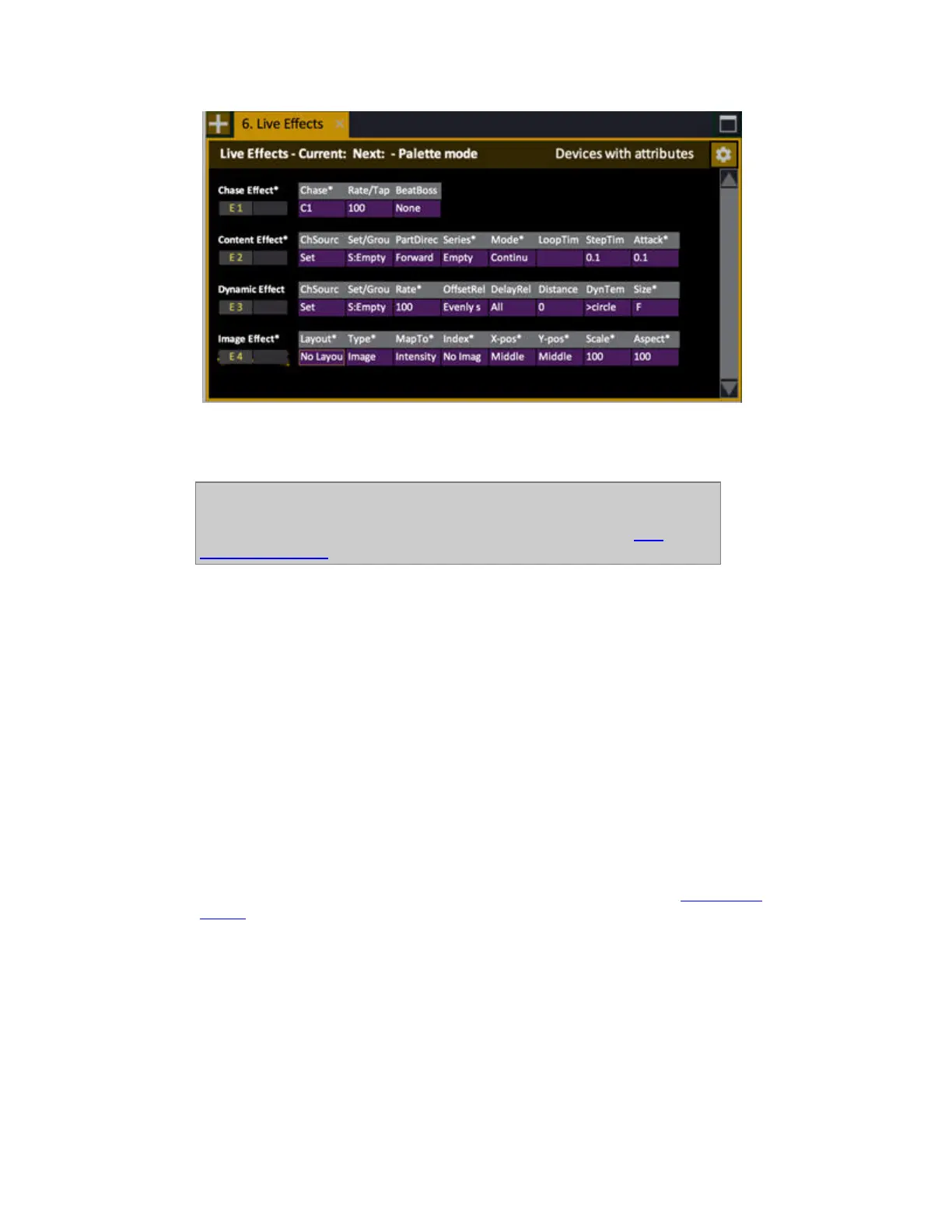
Besides the necessary channel source (Group or Channel Set) and Series, a number of parameters
are combined to define the result of a Content effect. You can adjust all of them live by selecting the
Effect Playback.
The Parameters are divided into two main groups:
• Content & Play Mode
• Timing
CONTENT & PLAY MODE PARAMETERS
Channel Source
The Channel Source that the effect is applied to can be a Set or a Group. See Channel Sets
and
Groups
.
• The advantage with a Set is that you can define any type of custom channel distribution over
the parts, and they will always replay in the same way.
• The advantage with Groups is that you can reuse all Groups you have already recorded, and
create distribution and number of parts on the fly with the GrpParts and GrpDistri
parameters.



 To Next Page