Cobalt 8.1 - 20181029
173
System Settings - Sessions (8.0)
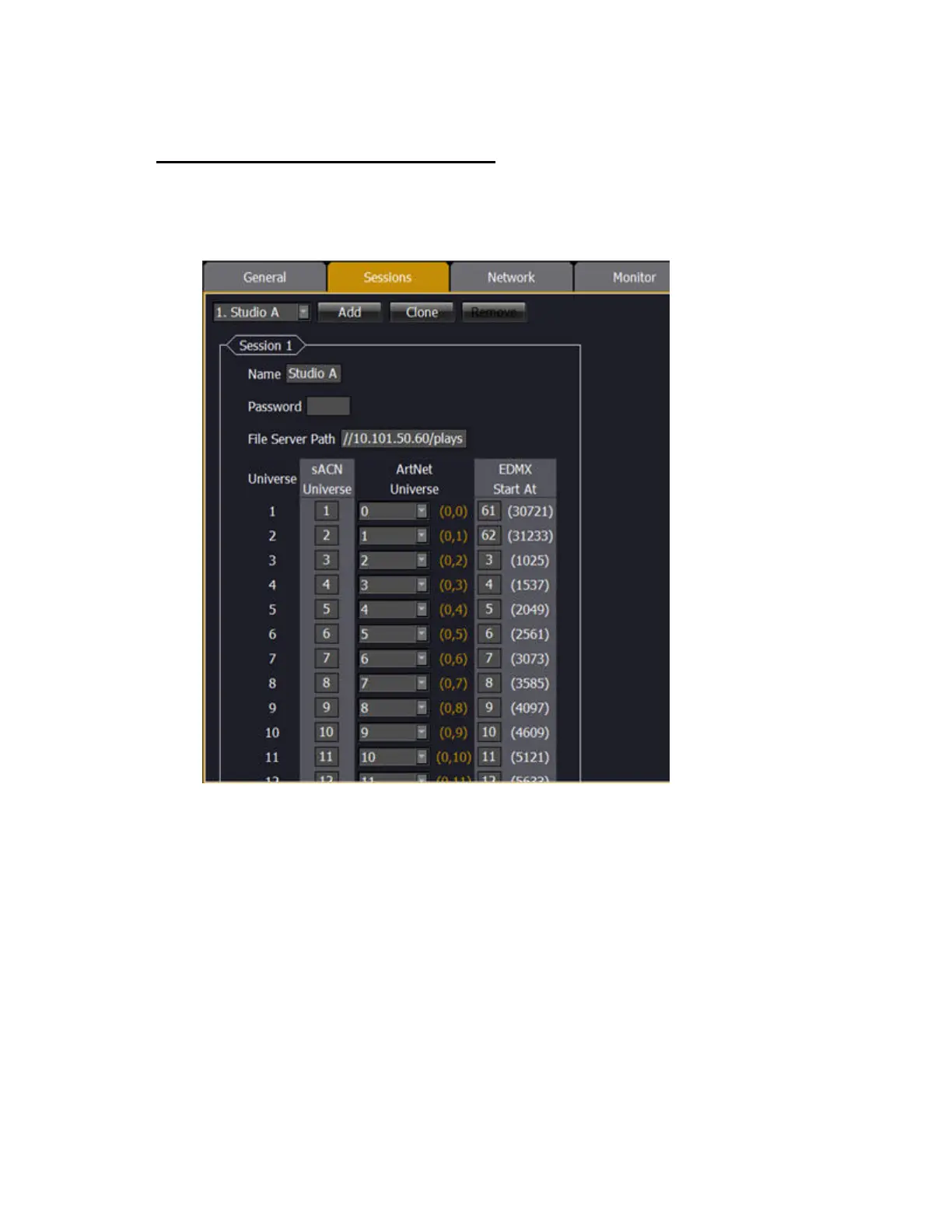
Each server in a session with multiple server systems requires a logical network of it's own. There are
ten networks, 0-9. In each of these networks you can set a name, and the EDMX, sACN and Artnet
mapping.
Sessions will be shown on the start screen in alphabetical order. To create a new Session click ADD -
assign a name. To copy an existing one press CLONE and rename.
In a setup with several systems in the same network, such as for example a television studio, you can
assign names to the networks belonging to each studio.
HINT
If you want to turn the protocol off for a specific universe, set it to zero.



 To Next Page