Cobalt 8.1 - 20181029
596
Device Control - Device Mode
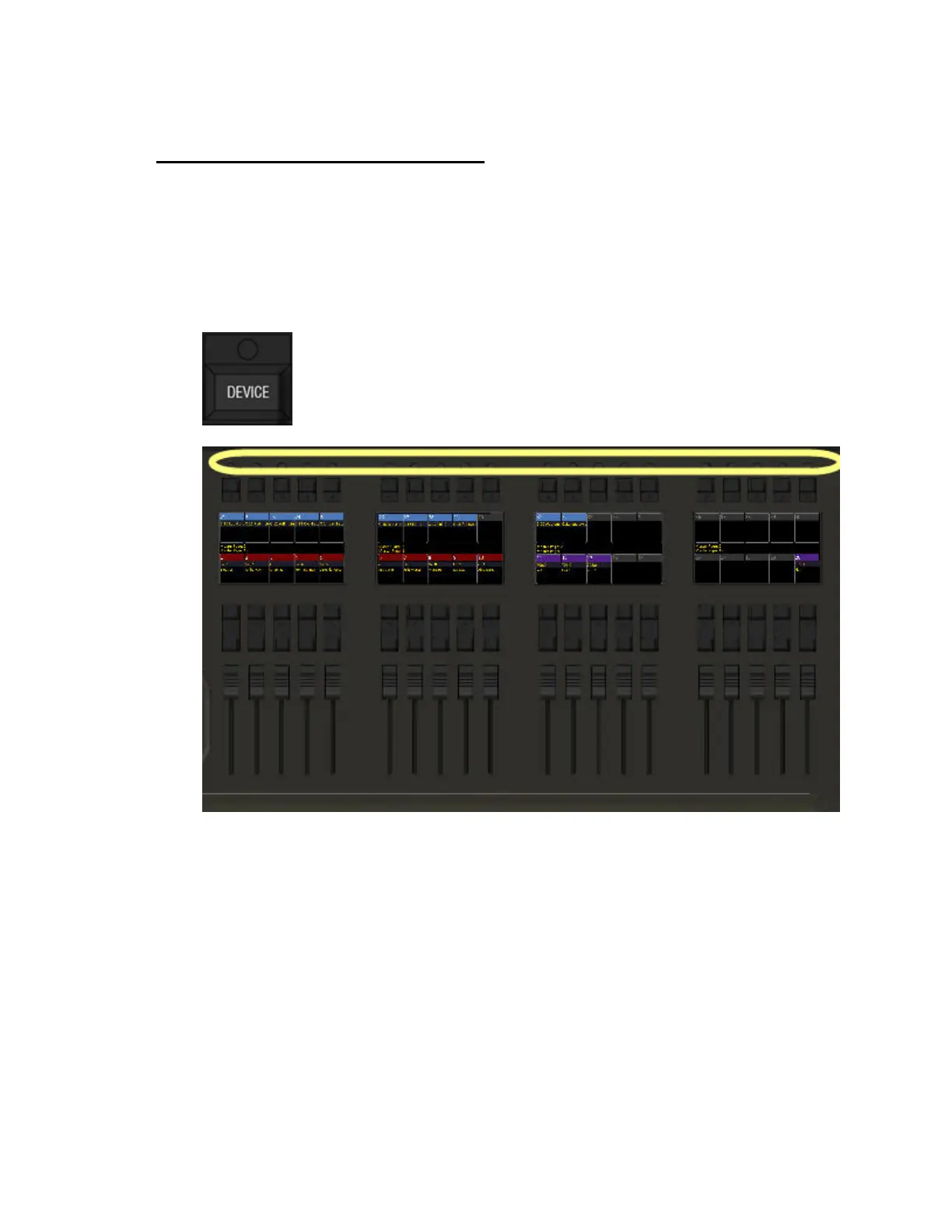
Press DEVICE to activate Device Mode. The top potentiometers in the masters section will provide
direct access to a definable number of device parameters. There is a default Device Mode page (1) that
is assigned to all templates, and you can configure 19 more (2-20) and assign to any templates. This
way you can make sure you have the optimal parameters automatically at hand when a particular type
of device is selected. An example is if you have a number of different LED fixtures and want them all
to use the same Device Mode page, whileyour profiles with framing shutters, or media servers will
have a different Device Mode page.
The easiest way to edit the parameters in a Device Mode Page is to hold the console wheel parameter
key for a parameter and press the yellow potentiometer you want to assign it to. You can change and
edit the parameters of each page in the Device Mode Page List.



 To Next Page