Cobalt 8.1 - 20181029
592
Device Control - Highlight Mode
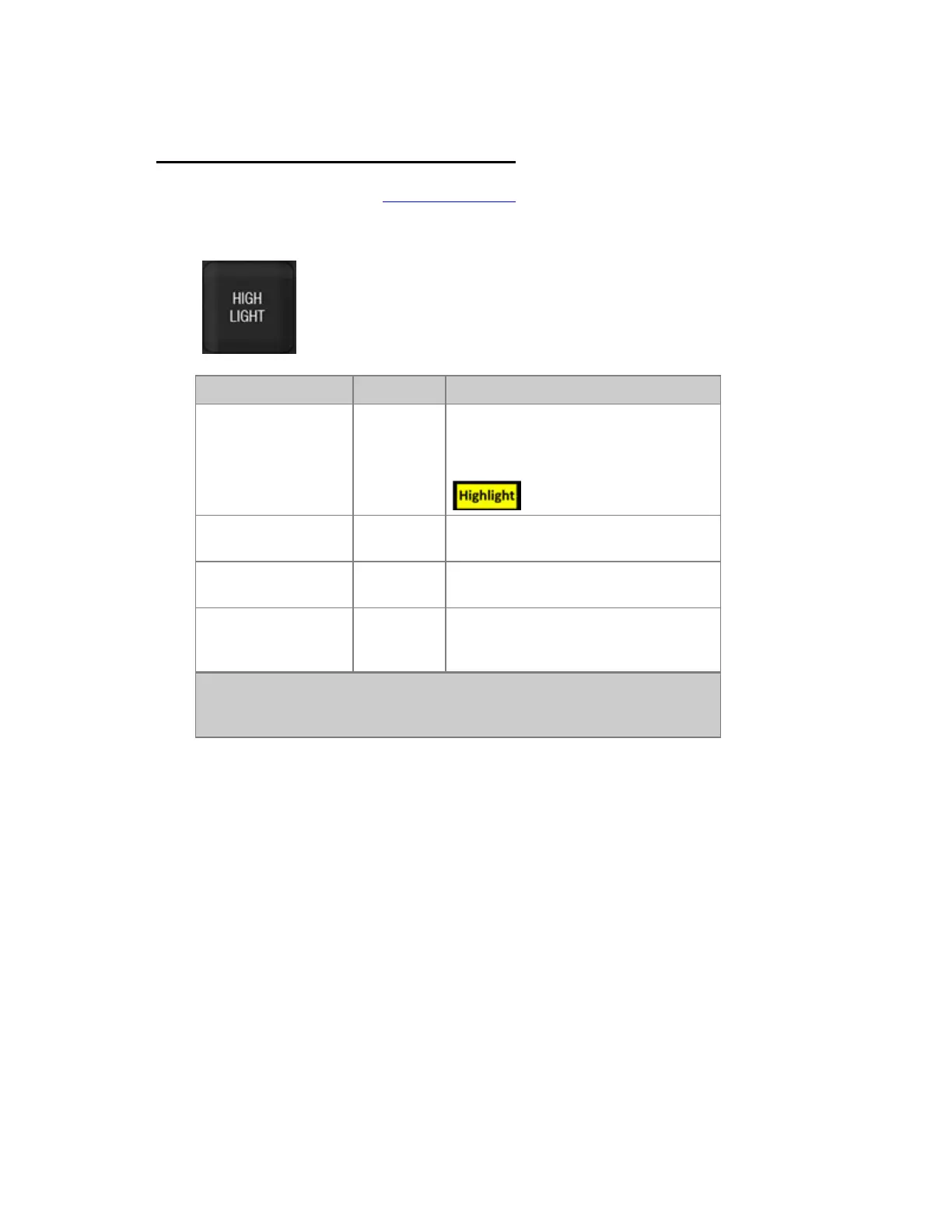
The HIGHLIGHT key in the programming section is used to set Devices to a temporary Highlight
mode. It will set all intensity channels to the ID level in Cobalt Settings (default 100%) and all device
channels to the values defined in their templates, with the highlighted device to white.
Action Key Feedback
Activate Highlight
[HIGHLIGHT]
All channels in the current selection are
highlighted. The LED in the key is
lit.Highlight is indicated at the top of the
screens
Step forward
[NEXT]
Channels are focused, and Highlighted in
the order they were selected.
Step backwards
[LAST]
Channels are focused, and Highlighted in
the order they were selected.
Leave Highlight mode
[HIGHLIGHT]
Highlight mode is deactivated. The LED
in the key is off. All Devices return to
their last CB values.
NOTE
Highlighted Intensity channels are indicated in the channel views with a
highlighted background.



 To Next Page