Cobalt 8.1 - 20181029
554
Magic Sheets - Object Libraries (8.0)
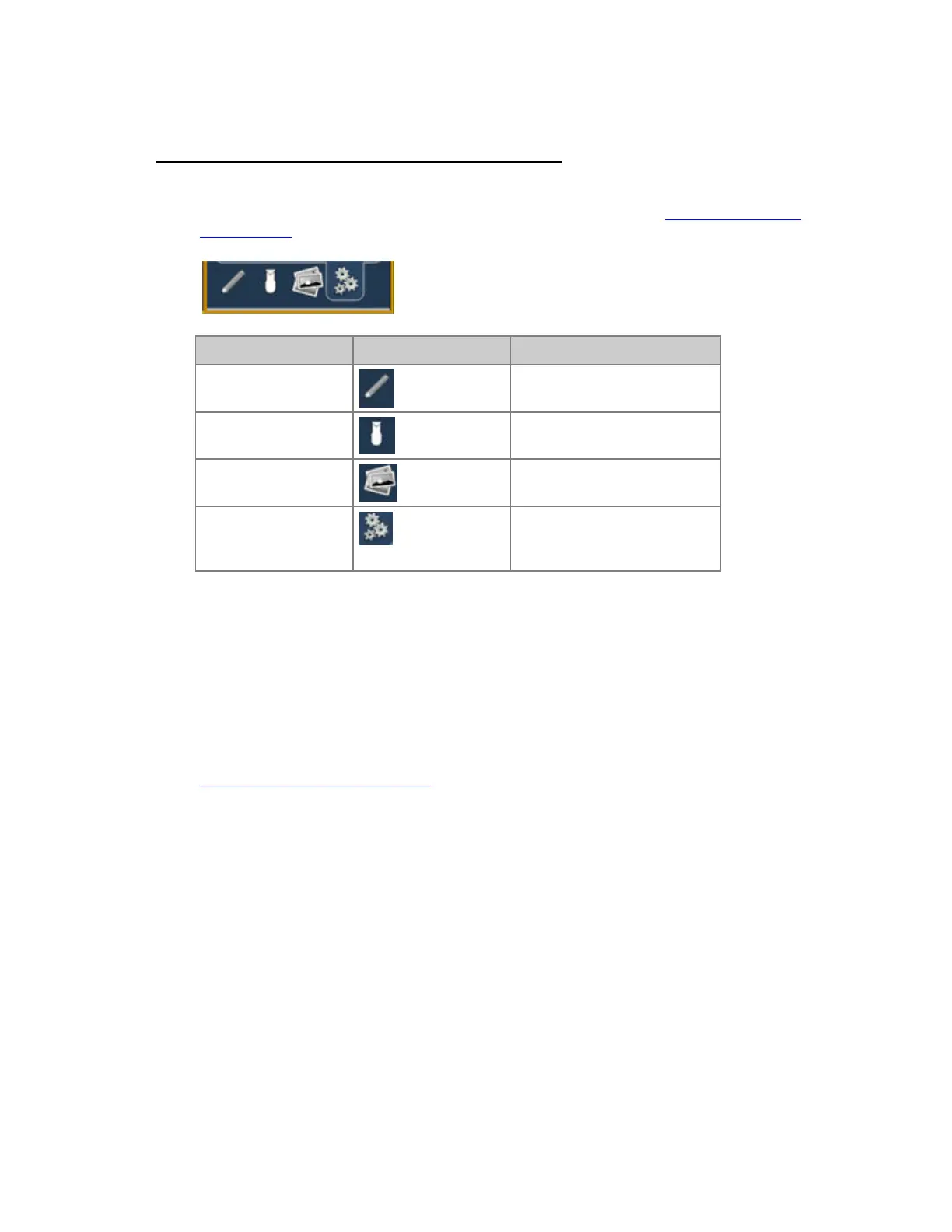
The Object Libraries provide access to symbols and objects, and you can import your own as well. For
information on how to select, place and arrange objects in the Library, see Magic Sheets Editor -
Object Editing.
Function Symbol Explanation
Object Types General and specific objects
that can be tied to play data
Channel Objects Channel objects, user symbols
can be imported
Import Images Import and use image files
Background settings
Set a specific
color/gradient/image for the
live and blind background
Magic Sheets - Object Types (8.0)
Objects
These are different object types and some are general shapes (like rectangles) while others have
primary uses (like the clock) but they can all be assigned a target, for example a truss can activate a
group of channels. For information on how to select, place and arrange objects in the Library, see
Magic Sheets Editor - Object Editing
.



 To Next Page