Cobalt 8.1 - 20181029
689
Effect Playbacks
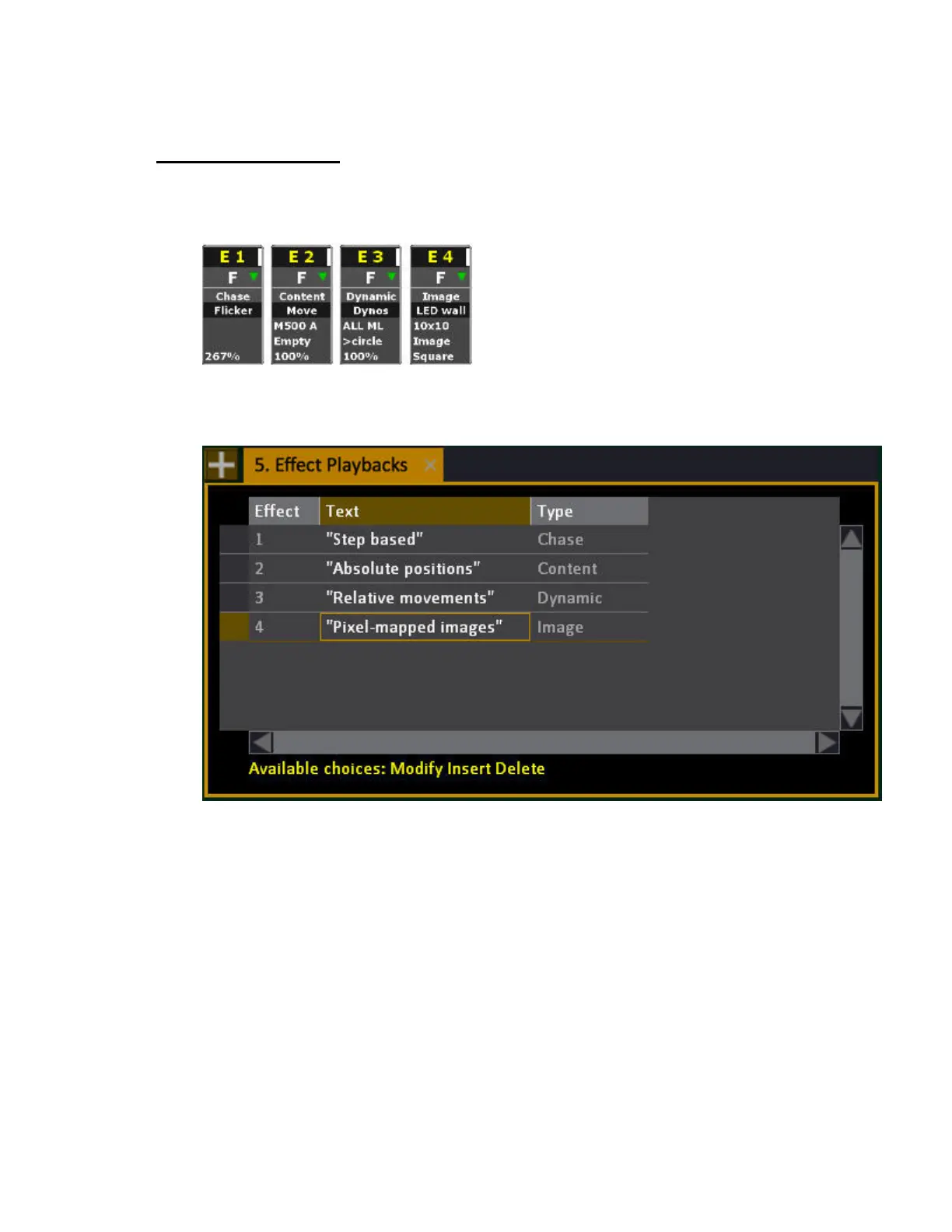
An effect playback is the control handle for an effect, similar to a channel controlling a moving
device.
All Effect Playbacks are listed and can be inserted/deleted from the Effect Playbacks list Browser
>Effects >Effect Playbacks.
Create an Effect Playback
Effects can be created from the Effect Playbacks list, or as a key command.
1. Create an Effect Playback
• Press INSERT in the Effect Playback list
• Hold INSERT & EFFECT
2. Select type of Playback (Cannot be changed once inserted, to change you need to delete and
reinsert the playback).



 To Next Page