Cobalt 8.1 - 20181029
422
Jump Between Section Markers
There are different ways to jump between section markers
Function Keys Feedback
Next marker to A
[GOTO] & [SEQ+]
Step with next marker is
loaded to A
Previous marker to A
[GOTO] & [SE
Step with previous marker
is loaded to A
Next marker to B
[JUMPTOB] &
[SEQ+]
Step with next marker is
loaded to B
Previous marker to B
[JUMPTOB] & [SE
]
Step with previous marker
is loaded to B
Snap to next/previous
marker (from keyboard)
G & up/down_arrows From Keyboard: Snap to
next/previous marker
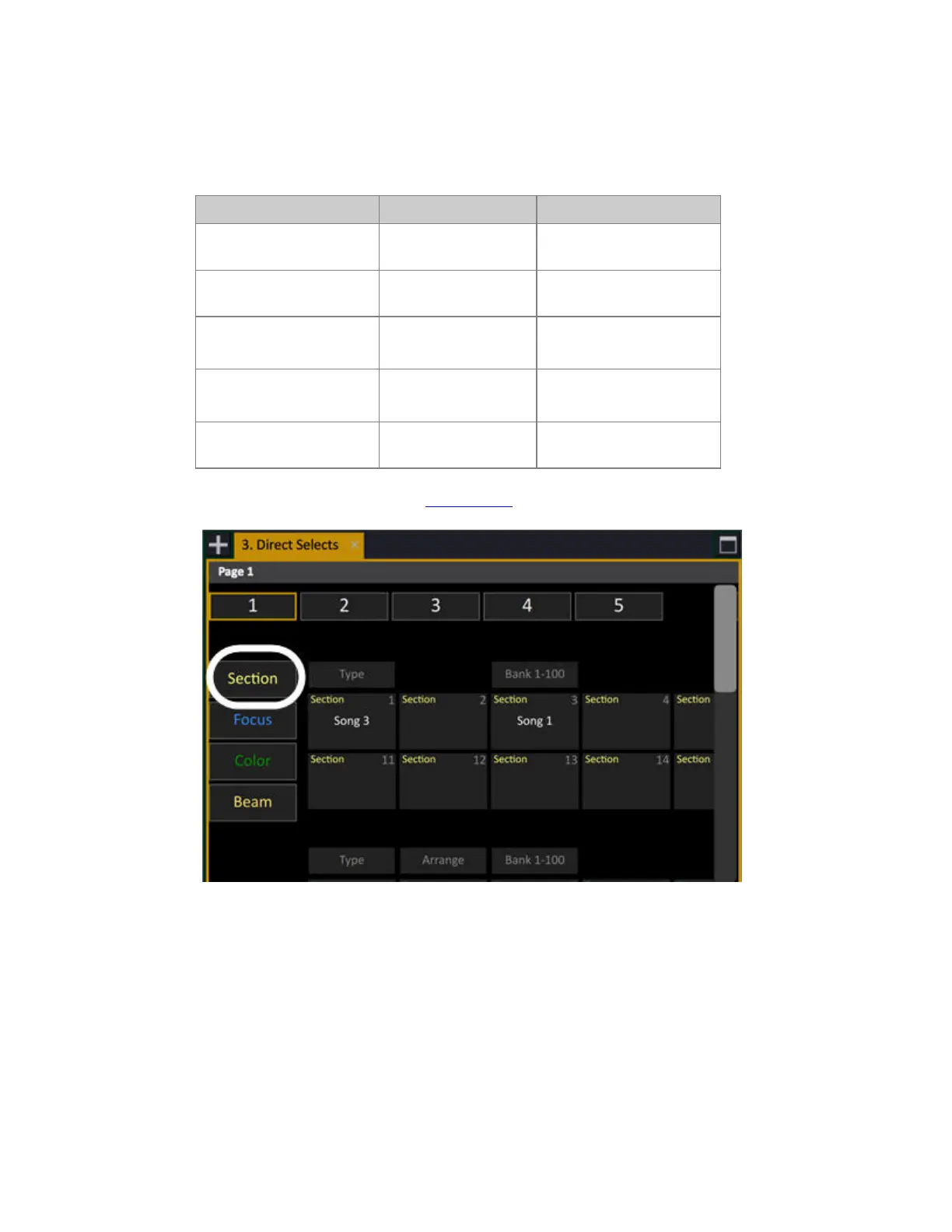
You can set TYPE to Section in the Direct Selects as well.



 To Next Page