Cobalt 8.1 - 20181029
571
Partitions - Activate
Partitions are activated from the Partition List.
1. Open the Partition List (Browser>Channels>Settings and Tools>Channel Partition)
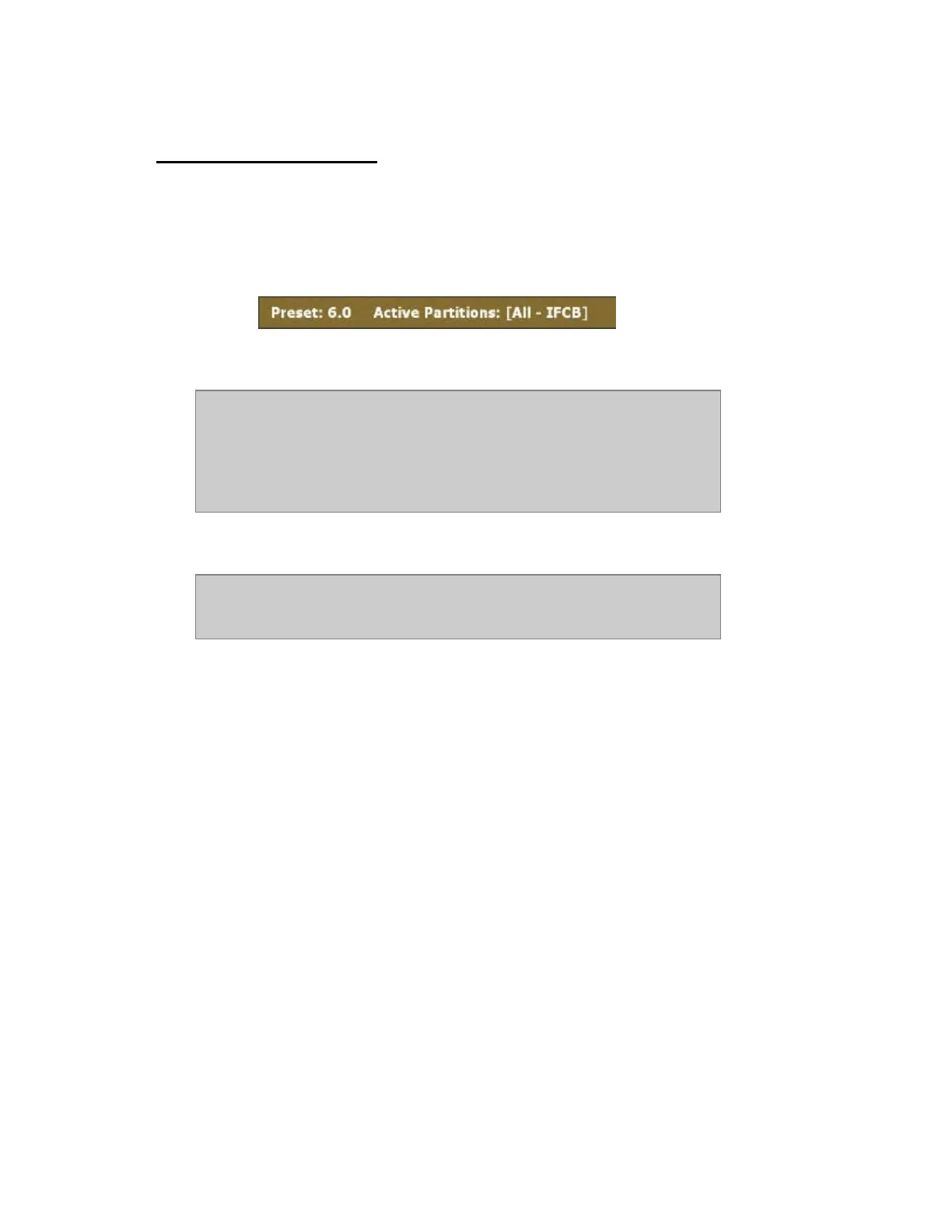
2. Press MODIFY in the ACTIVE cell to toggle on/off. The active Partition is indicated in the
yellow info banner at the top of all Channel Views.
NOTE
If no Partition is active, all channels are available, and shown in the Live
View.
In Live Attributes, only channels and attributes that can be controlled are
shown.
NOTE
REFRESH with no channels selected will affect all channels in the Playback
including channels outside the Partition.



 To Next Page