Cobalt 8.1 - 20181029
211
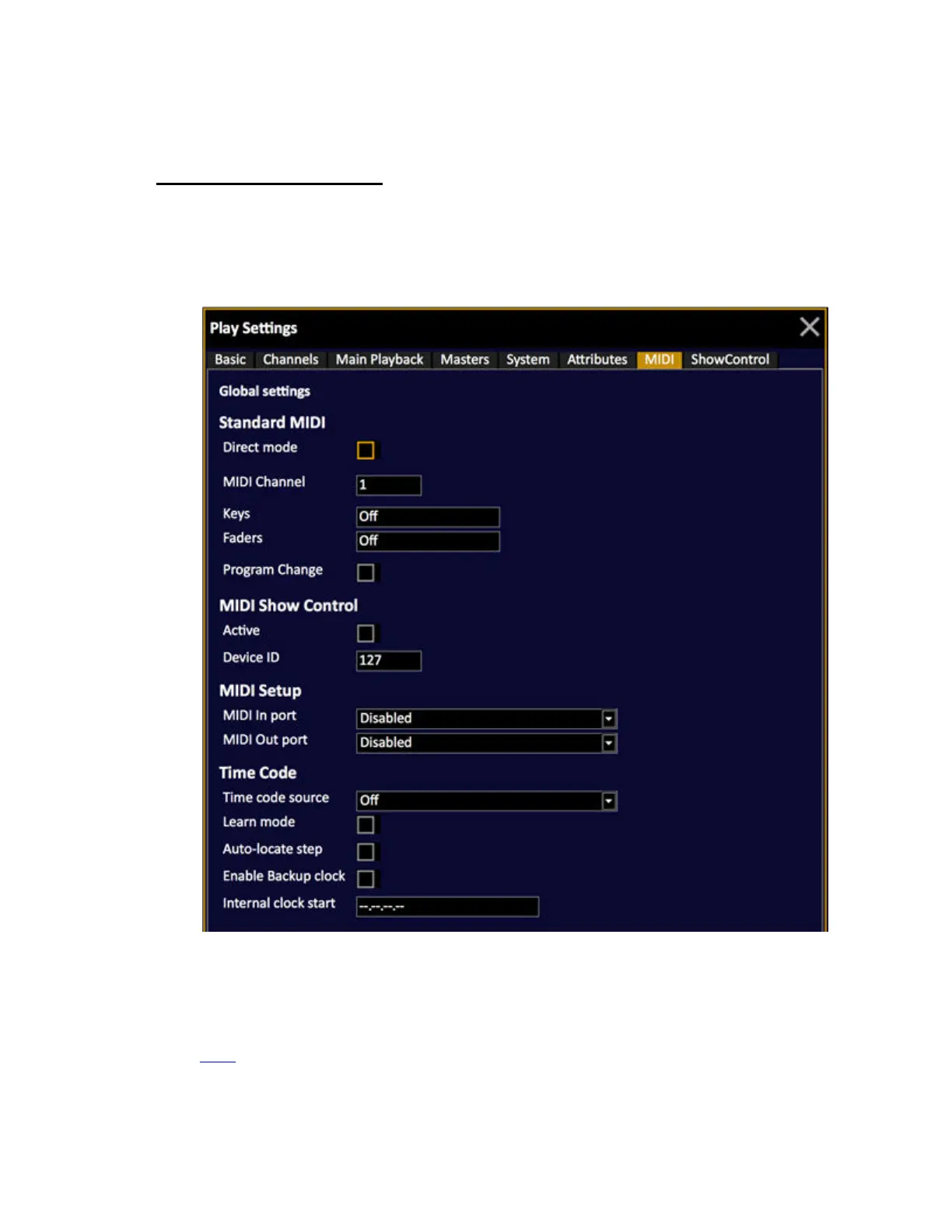
Play Settings - MIDI
Press SETUP and use the right/left arrows to select the MIDI Settings tab.
• Use the down arrow to select a cell.
• Use MODIFY or # MODIFY to change values.
Standard MIDI
All keys and faders can send notes and controllers when this is activated in the MIDI Settings.You can
use MIDI notes and controllers to remote control any key or fader of the Console.The Cobalt can also
be set to activate a specific crossfade when receiving a Program Change command through MIDI. See
MIDI
.



 To Next Page