Cobalt 8.1 - 20181029
795
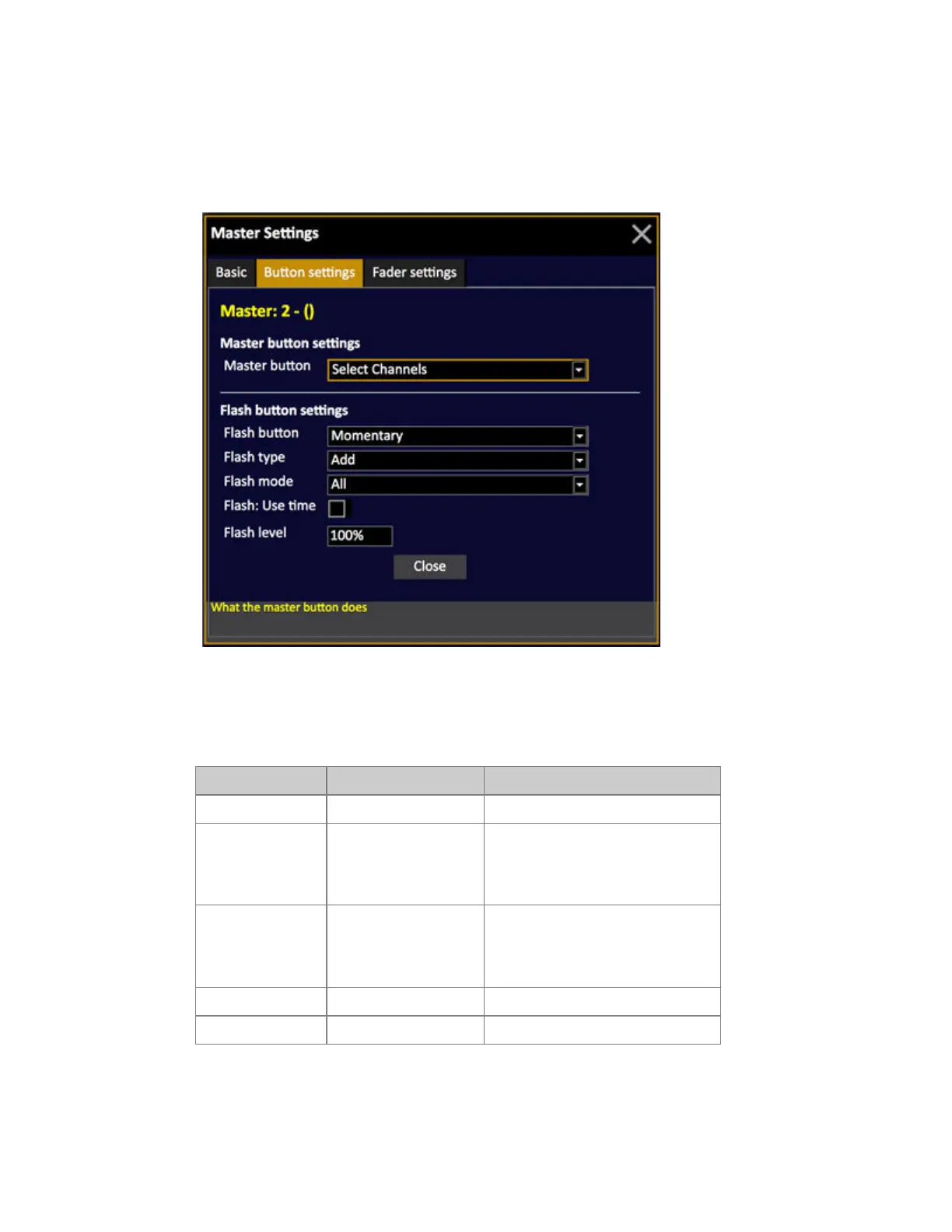
Flash settings
The flash button is the lower key in all master modules. Some modules and the large Cobalt only have
flash keys for the lower row of faders.
The different modes apply to specific content types - which is described in greater detail in the tables
below.
Flash Button
Mode Applies to Feedback
Off - Flash button is disabled
Momentary Ch, group, preset,
effect, chase, Sequence
Sets the fader to full or the defined
flash level when pressed and returns
the fader to zero when the key is
released.
Latching Ch, group, preset,
effect, chase, Sequence
Toggles the fader to full or the
defined flash level when pressed,
leaving the fader at that level until
the flash key is pressed again
GoBack Chase, Sequence GoBack to previous step
Tap Chase Sets tap tempo



 To Next Page