Cobalt 8.1 - 20181029
139
New
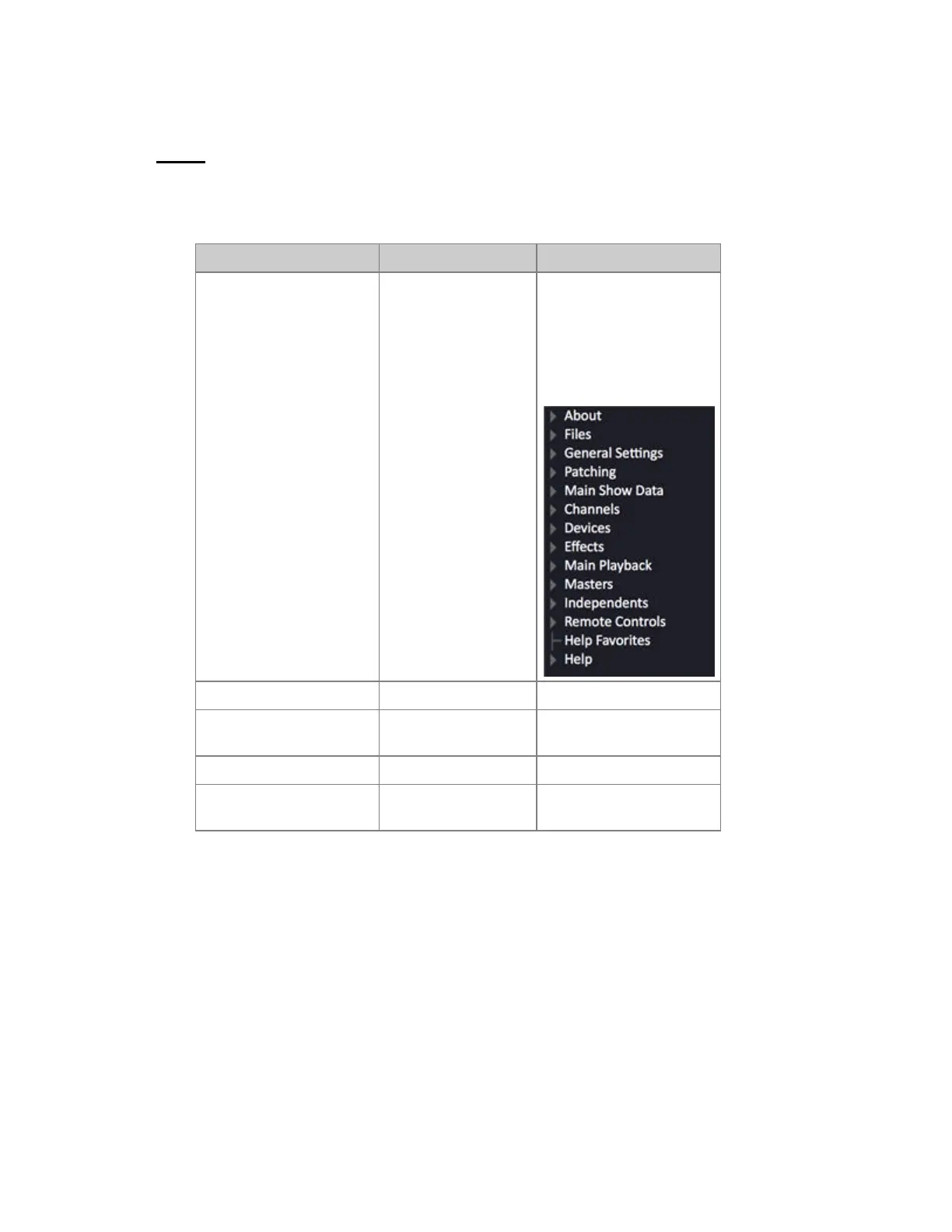
When you want to clear the console to start with a new play, you use the "New" command (Browser
>Files >New).
Function Key Feedback
1. Select the Browser
[BROWSER]
The Browser is selected on
the left side of screen 1. If
the Browser already was
selected - it will be closed.
Press Browser again to
reopen.
2. Go to "Files" at the top Arrow keys Files is marked in orange
3. Open the File node Right arrow Opens a subtree of
functions.
4. Select "New" Down arrow New is marked in orange
5. Load a new play
[MODIFY]
Opens a dialogue - see
below
If the current play has unsaved changes this dialogue will open;



 To Next Page