Cobalt 8.1 - 20181029
505
Track - Introduction
Press TRACK to track the current channel selection in the sequence of the main playback.
It is possible to Track a channel/moving device selection with attributes through Play data (Presets,
Groups, Palettes, Sequences. It is also possible from the Browser, to track Presets and Palettes.
A channel selection can be tracked
• In the Sequence of the Main Playback
• In the Sequence of a Master Playback
• In all Sequences
• In all Presets
• In all Groups
• In all Palettes (Focus, Color, Beam, All)
• In the Play (Sequences, Presets, Groups & Palettes)
From the Browser it is possible to track
• Where Presets are used (in Sequences)
• Where Palettes are used (Focus, Color, Beam, All)
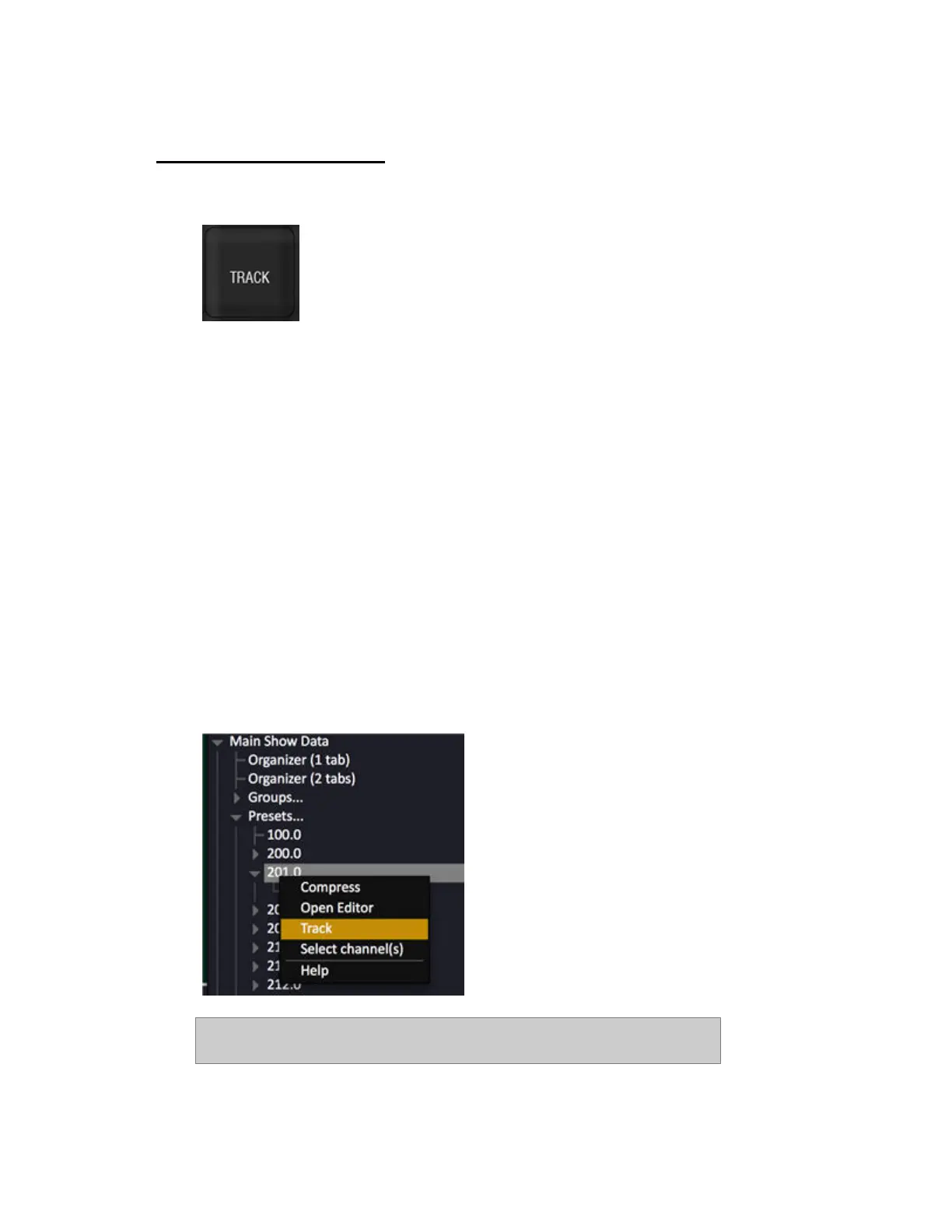
To track an object press TRACK or open the context menu (SELECT SELECT or right-click).
NOTE
From 7.3 the number of channel columns that will be displayed as the result



 To Next Page