Cobalt 8.1 - 20181029
850
Fader Mode - Expanded Effects
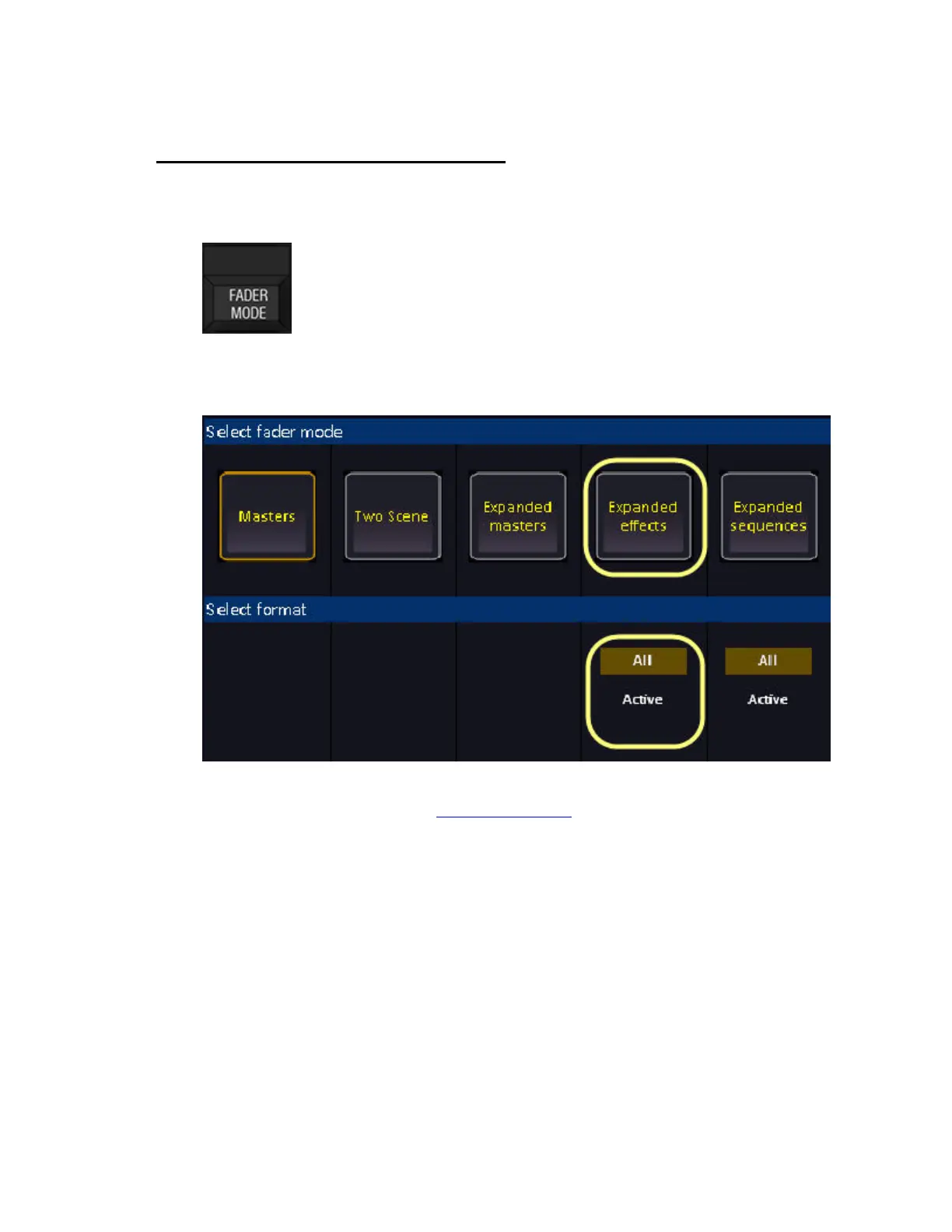
Hold FADER MODE and select EXPANDED EFFECTS to activate. You can press the keys
above/under the displays.
Select ALL for all effect playbacks and ACTIVE for all active effect playbacks at the moment of
selecting this mode.
Expanded Effects will use the whole "strip of controls" for one master playback - providing expanded
control for 20 masters at a time. . See Masters - Introducion
.



 To Next Page