Cobalt 8.1 - 20181029
600
Device Views - Introduction
A device view with attributes can be opened in any channel view by pressing ATTRIB.
They are all edited in the same way. In the Live tab attribute view you can set times. See Devices -
Times
.
General Facts
• Devices are listed by type
• You can set attribute values directly (depending on the Attribute Setup)
• You can set Palettes directly (depending on the Attribute Setup)
• You can filter parameter groups
• Changed values are shown with a purple background (Live)
• You can view/edit attribute times
NOTE
Hold FORMAT and press @LEVEL to toggle levels between 100% and full
8/16 bit values.
HINT
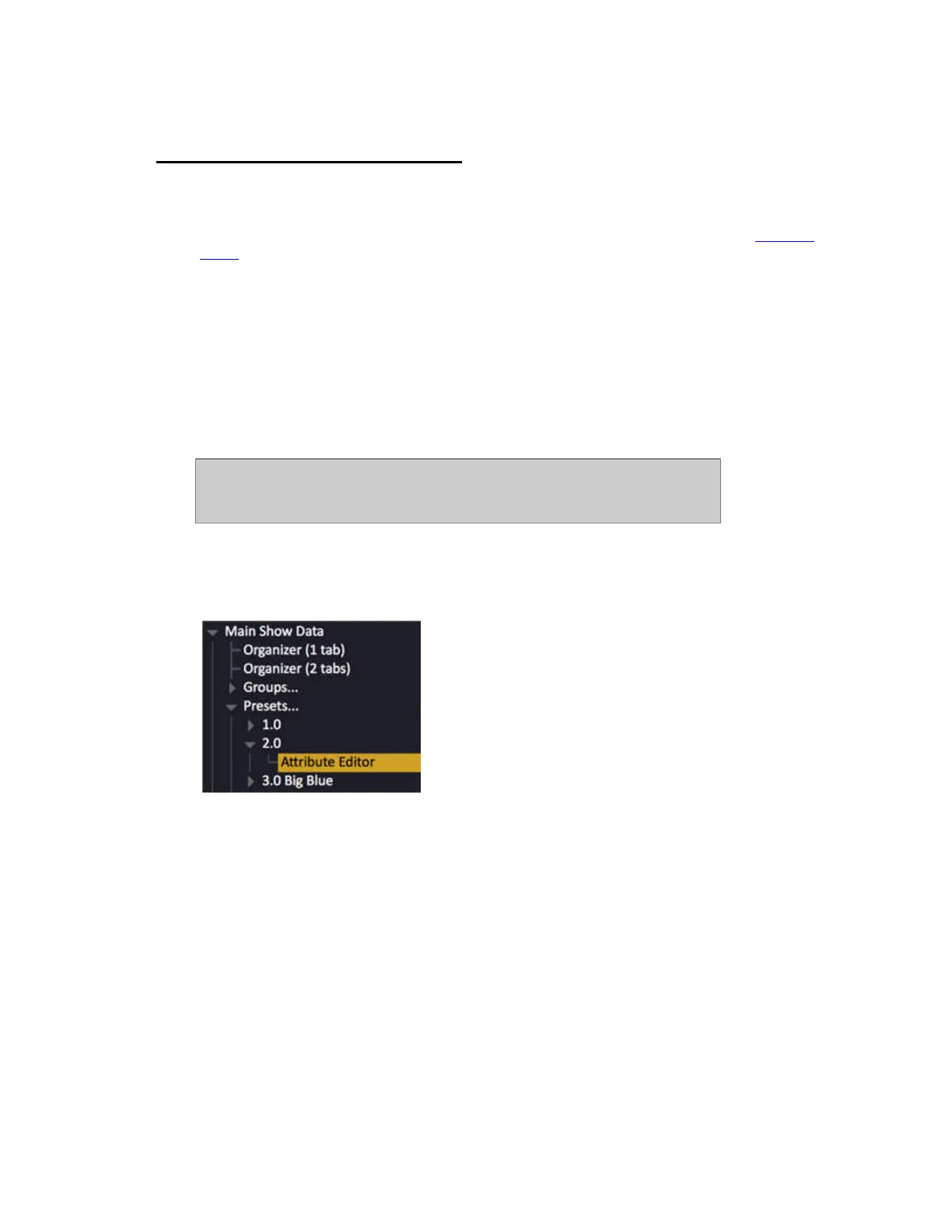
In the browser Preset items have a sub node called “Attribute Editor” for presets with attributes.
Pressing MODIFY on this node opens the attribute editor (v5.0).



 To Next Page