Cobalt 8.1 - 20181029
511
See Track Channels - Show Levels & Attributes.
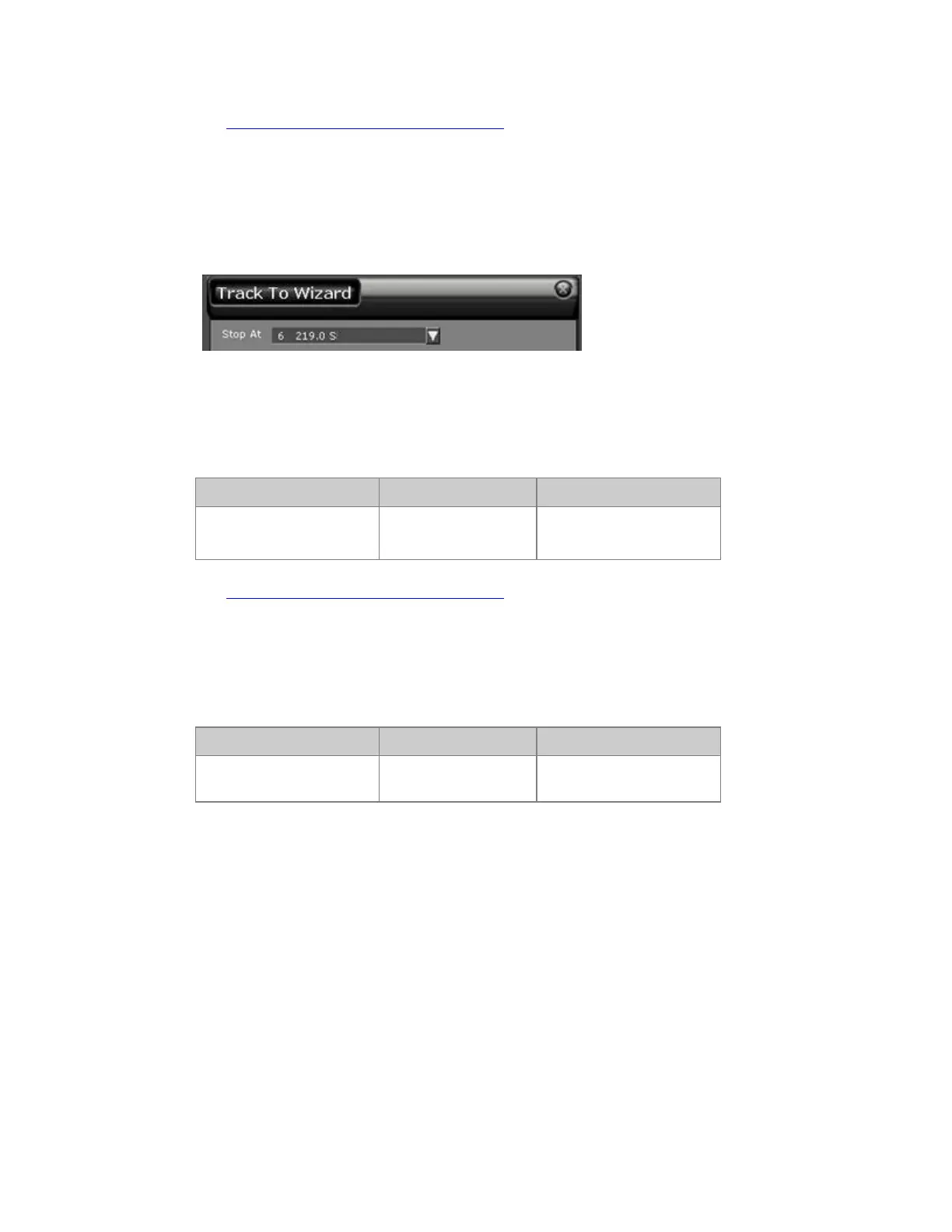
Track To Wizard
If you press WIZARD on a level in a sequence step, you will get a popup where you can select up to
which Sequence Step the same level should be changed (= Tracked To).
Track Channels - In Presets
Track the current channel selection in all Presets.
Function Key Feedback
Presets
[TRACK] &
[PRESET]
Track List for Presets is
opened
See Track Channels - Show Levels & Attributes.
Track Channels - Groups
Track the current channel selection in all Groups.
Function Key Feedback
Groups
[TRACK] & [GROUP]
Track List for Groups is
opened*



 To Next Page