Cobalt 8.1 - 20181029
549
• Align Rotation - allows you to select multiple objects and align their rotation to the first
object selected.
• Distribute Horizontally - allows you to distribute objects horizontally at an equal distance
apart between two objects.
Set the distance you would like by placing the first and last objects.
• Distribute Vertically - allows you to distribute objects vertically and evenly spaced. Set the
distance you would like by placing
the first and last objects.
• Distribute Rotation - allows you to distribute objects at an equal rotation between two
objects (create a circle). Set the
level of rotation you would like by placing the first and last objects at a rotation.
Magic Sheets Editor - Texts (8.0)
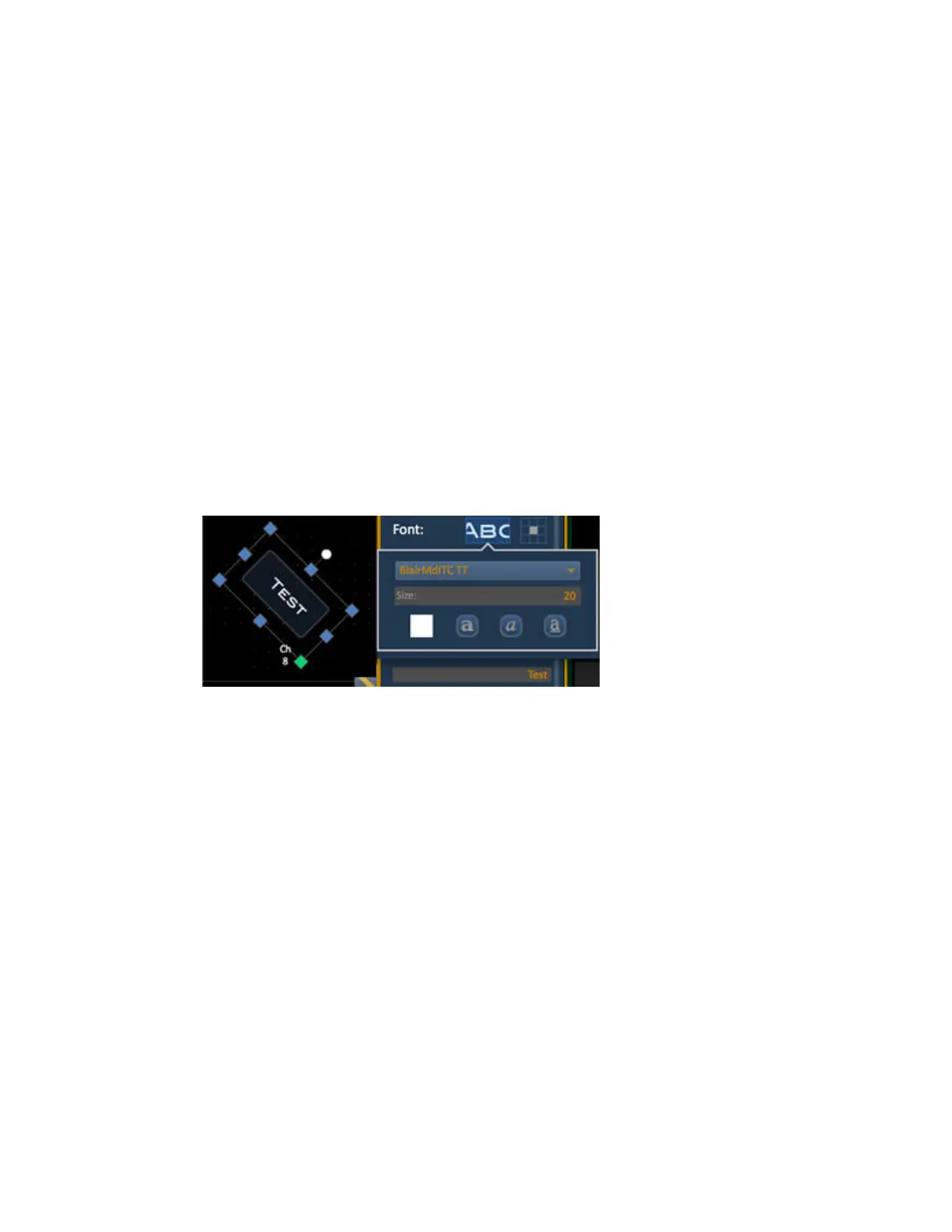
It is possible to set a user defined text to any object.
1. Select the object
2. Write the text in the Text: input box
3. Use the text tools to select color, font, size, bold, italic, underline and positioning



 To Next Page