Cobalt 8.1 - 20181029
500
Blind - Introduction
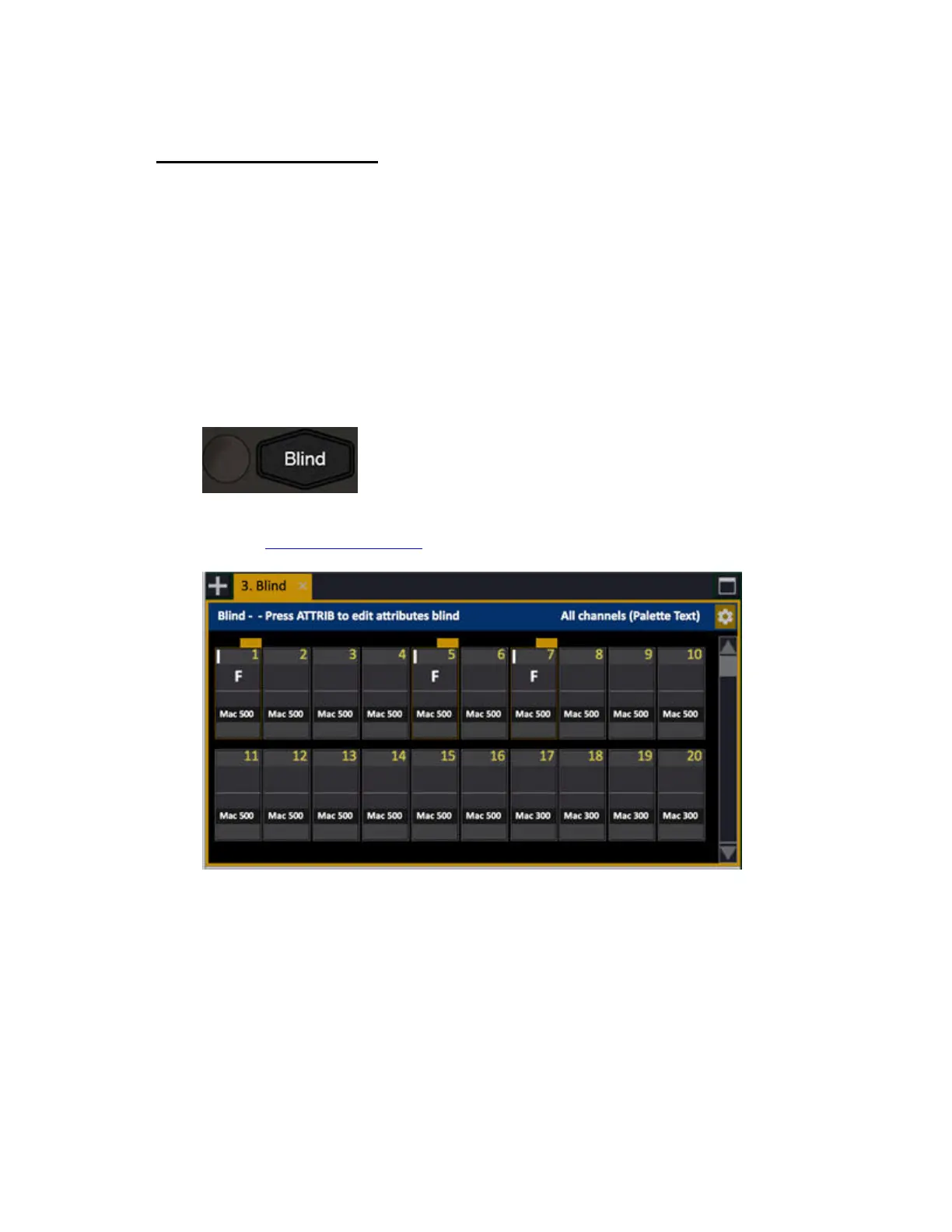
Blind is a channel tab where you can control any channels and devices blind.
• Create a look blind and load or record to any playback.
• Load the content of any playback to Blind, and load the content of Blind to any playback.
• Record the content of Blind.
Select the Blind Tab
Pressing BLIND will select the blind tab, and allow you to edit channels and devices without affecting
the output.
The channel viewing formats, zoom and channel information are the same as for all channel views and
Live - see Channel viewing formats
.



 To Next Page