Cobalt 8.1 - 20181029
970
Top Level
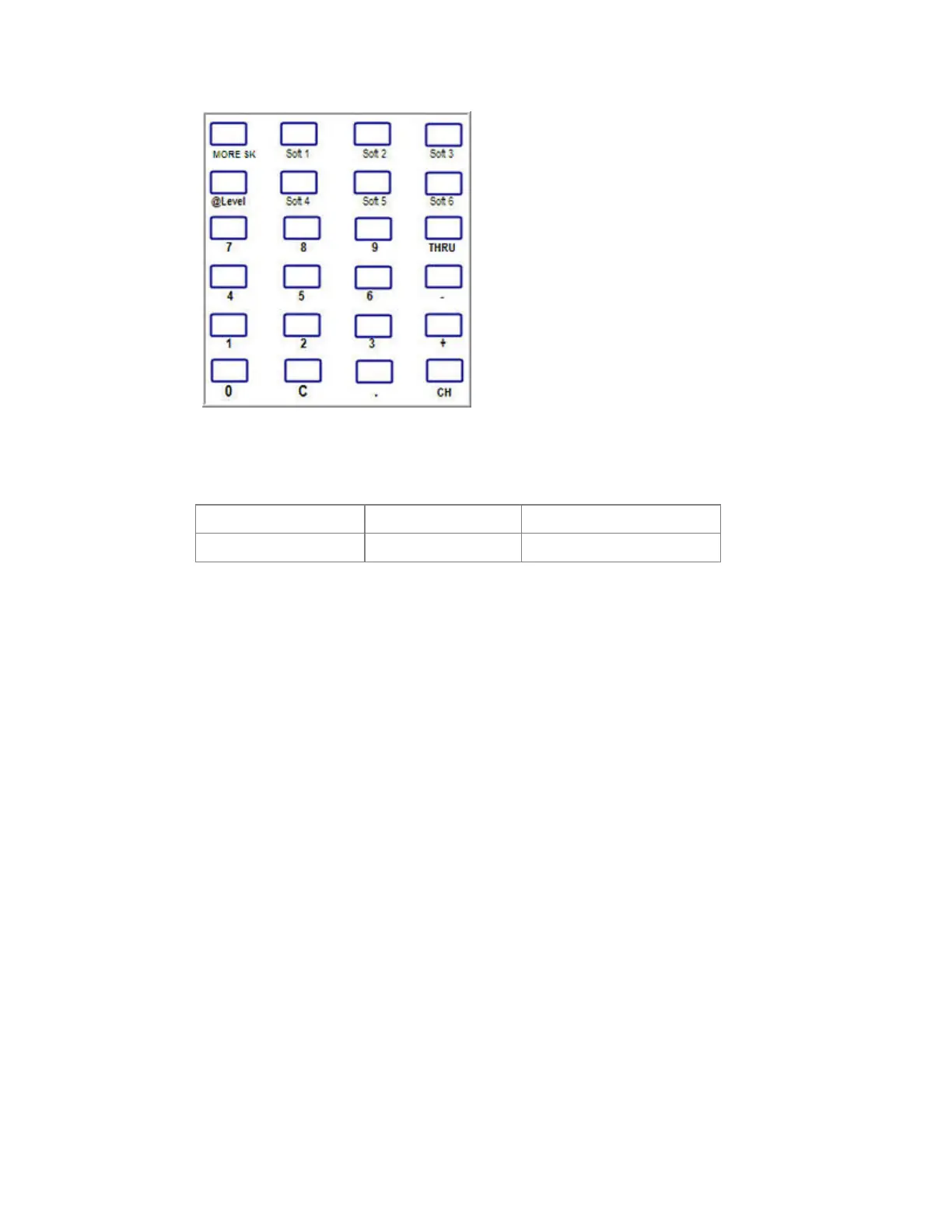
Soft1-6 give direct access to basic channel functionality. Pressing MORE SK will always return to
this level. Pressing MORE SK from the Top Level will show the other menus.
All 100% Check+
Group 0% Check-
In all displays, the wheel controls the level of the selected channel(s).
RFR Channel functionality
The most common channel functions can be used to select channels and set levels (At Mode
Command Syntax is supported from v5.1). This includes the console shortcut C & CHANNEL to
clear all channels in A.
• CH
• +
• -
• THRU
• @LEVEL
RFR Group List
Press MORE SK and then GROUP to get a list of recorded Groups to select from. Use the wheel(s) to
focus the item you want and click the wheel button to activate it. # GROUP selects the item directly
without showing the list.
Normally the wheel scrolls one step per click. If you hold the wheel button and scroll, it will step in
complete pages instead for faster navigation.



 To Next Page