Cobalt 8.1 - 20181029
518
Track - Track Editing
Track editing is a very powerful way to edit in a Sequence and very similar to how editing is done in a
"tracking style console". It are used to save time when the same type of change is wanted in a series of
Presets. There are some simple rules and they are described in this chapter.
Pressing TRACK opens the track list. Holding UPDATE and pressing @LEVEL or ATTRIB will
initiate the track editing dialog.
Track Editing - Intensities
Intensity changes in a Preset (for all channels) can be tracked forward and/or backward. When an
Intensity Block is set they will stop. This can be set in the Sequence List. See Sequences - Block
Values.
1. Make level changes in a Preset
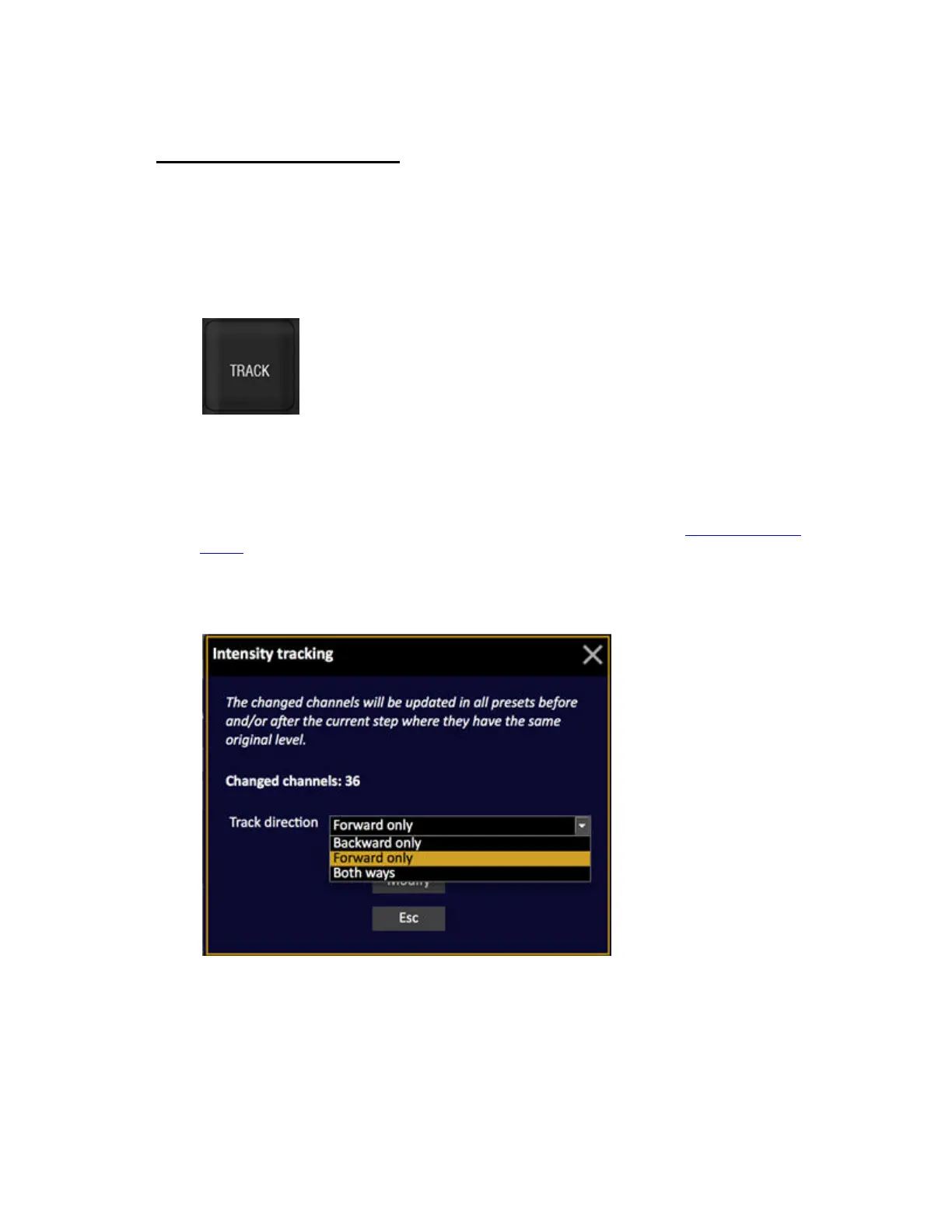
2. Hold UPDATE and press @LEVEL. A track popup will open.
3. Select forward, backward or both.
4. Confirm.



 To Next Page