Cobalt 8.1 - 20181029
629
Device Palettes - UPDATE direct key
If a Palette is loaded to a Direct Select section, or to a Master Playback - it is possible to update it by
selecting the involved channels, holding UPDATE and pressing the corresponding Direct Select or
Master key.
NOTE
This shortcut is not available when an Editor is focused that uses UPDATE
for something else. For example the Preset List.
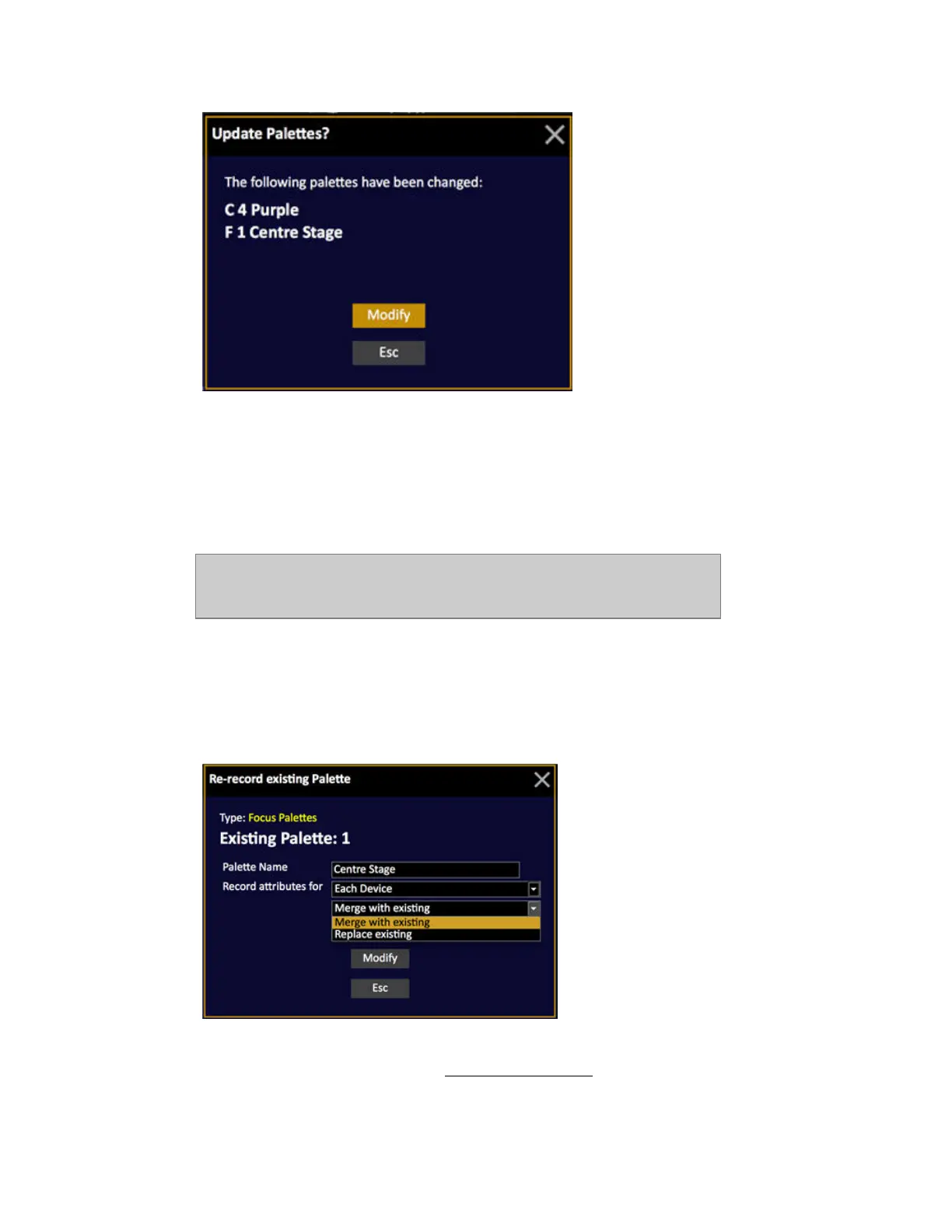
Re-record A Palette - Merge Or Replace
When you re-record a preset or palette where attribute information already exists, you will get a
choice of merging or replacing the existing attributes.
• Merge with existing will add the changes for the selected channel(s)
• Replace existing will replace all values in this Palette
with those of the selected channel(s)



 To Next Page