Cobalt 8.1 - 20181029
774
Main Playback - Edit Keys
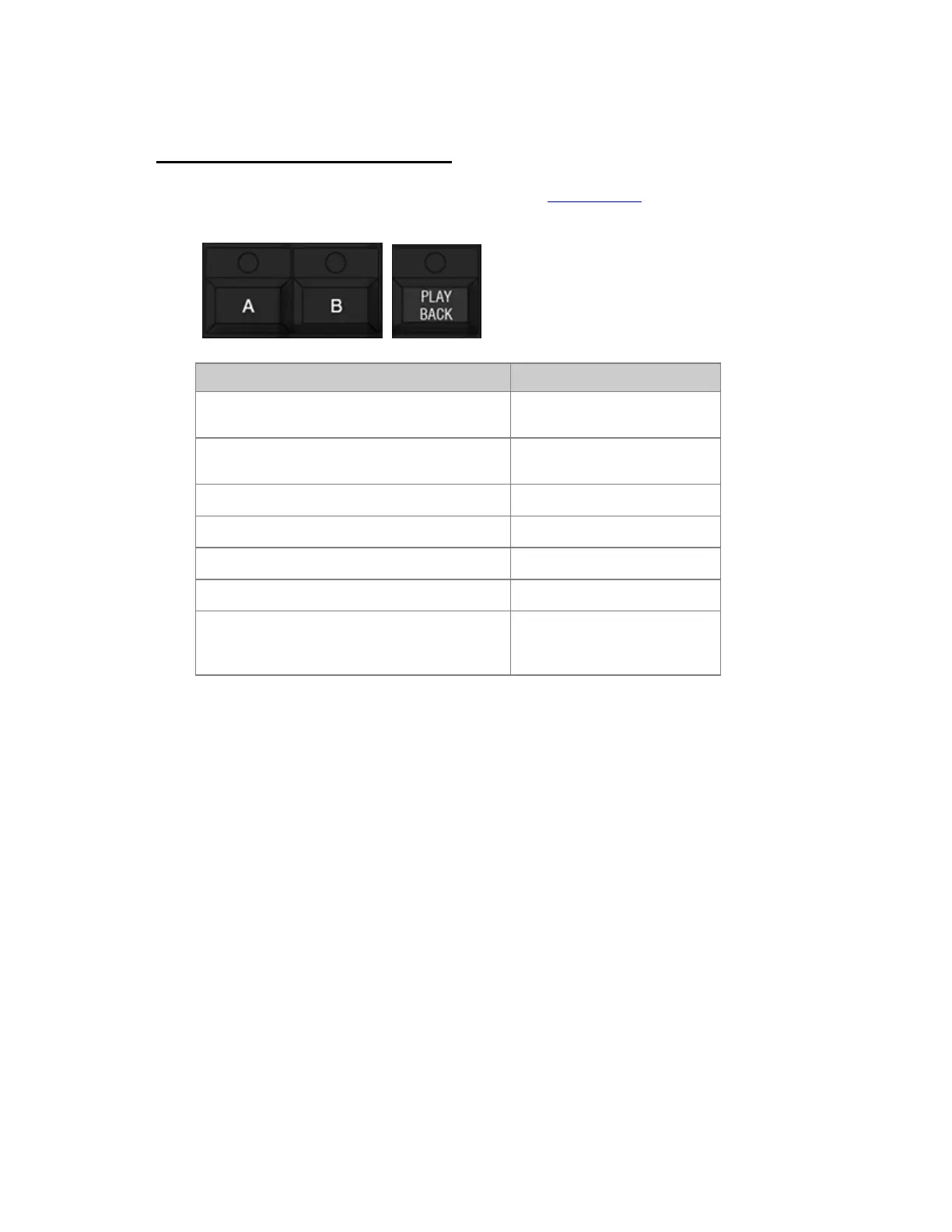
A, B and PLAYBACK are the main editing keys of the Main Playback, they can be used in
conjunction with numerical entries and other prefix keys.
Function Key
Connect the Active (A) field to the channel
controls, and open the A Tab
[A]
Connect the Next (B) field to the channel
controls, and open the B Tab
[B]
Load Preset # to A.
[#] [PRESET] & [A]
Load Preset # to B.
[#] [PRESET] & [B]
Load a sequence to the Main Playback
[#] [SEQ] & [PLAYBACK]
Clear the Main Playback
[C/Alt] & [PLAYBACK]
Activating the Playback Tab connects the A
field to the channel controls and selects the
Playback tab.
[PLAYBACK]



 To Next Page