Cobalt 8.1 - 20181029
393
Sequences - Delete Step
Function Shortcut Feedback
1. Open the Sequence list
[#] [SEQ]
The List for sequence # is
opened.
2. Select the step you wish
to delete
Arrow Keys The selected step is
highlighted in yellow.
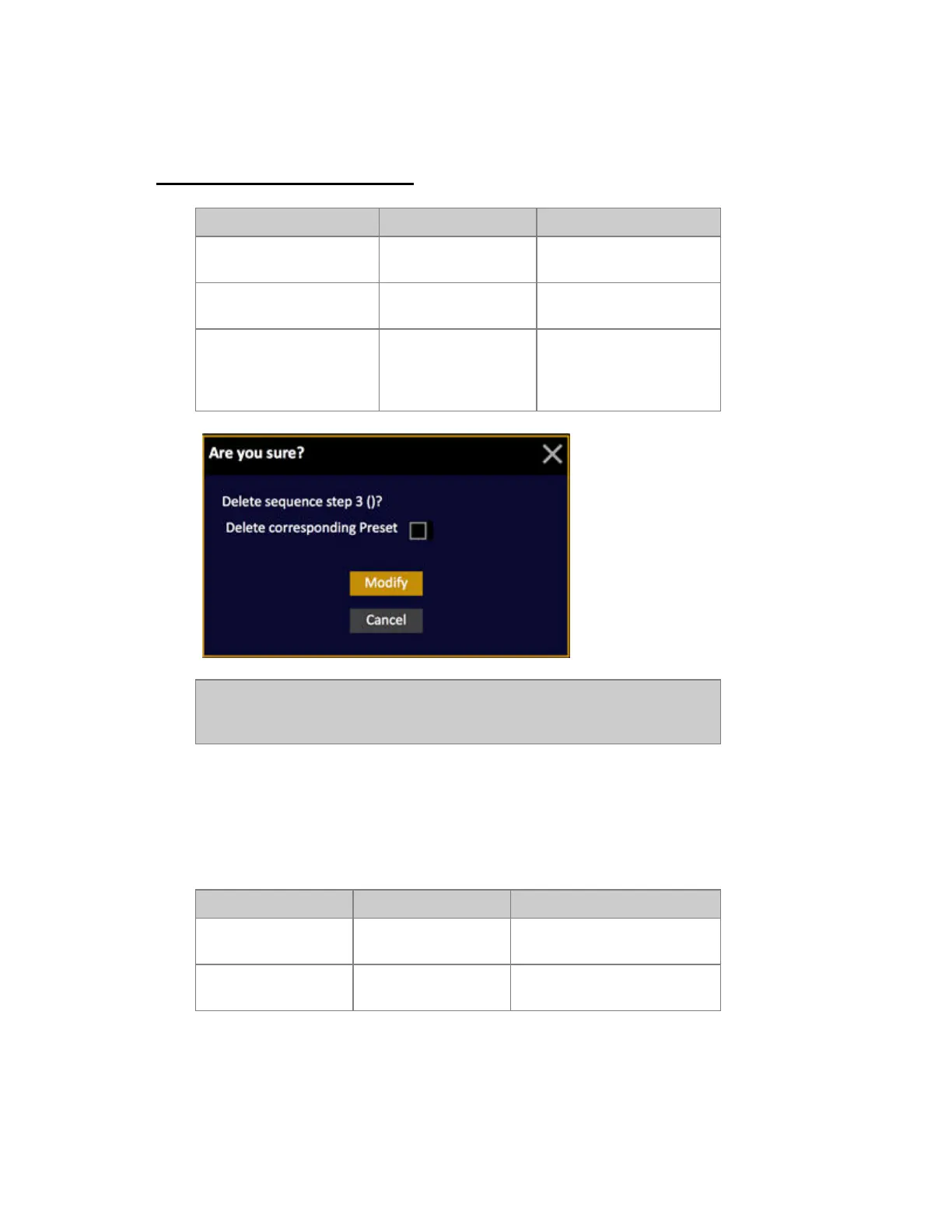
3. Delete the selected step
[DELETE]
You will get a popup where
you can choose to delete
this step and the related
Preset.
NOTE
When you delete a Sequence Step all assigned times, links and texts are lost.
The Preset of that step can still exist in the Preset List, and can be used again.
Delete a sequence step directly in the main playback
You can delete a sequence step in the main playback directly. The Preset is left intact in the Preset
List.
Function Shortcut Feedback
Delete step in A
[DELETE] & [A]
The sequence step in A is
deleted.
Delete step in B
[DELETE] & [B]
The sequence step in B is
deleted



 To Next Page