Cobalt 8.1 - 20181029
654
Device Play back - Attrib Move
Attributes can be executed in three ways
• AutoMark
• On Go
• In B
Depending on this setting Attributes will be executed when a step is faded in live (On Go) or when a
Step is loaded to be faded in (In B). See System Settings - Attribute
.
You can choose a setting as default depending on the style of your show - and then change
individually for any step or device. See Sequence List
.
NOTE
GoInB attributes follow the times recorded in the preset.
The old (pre v5.0) dynamics can be set to start on GO always - See Settings -
Crossfade.
AutoMark
The default setting is AutoMark but you can change this on the sequence step or in the Preset
Attribute editor. In AutoMark mode, attributes are automatically activated In B or On Go based on the
level in Live and in B.
• If the device intensity is >0% in Live, attributes are On Go.
• If the device intensity is 0% in Live and >0% in B, attributes are In B.
• If the device intensity is 0% in Live and 0% in B, attributes are On Go.)
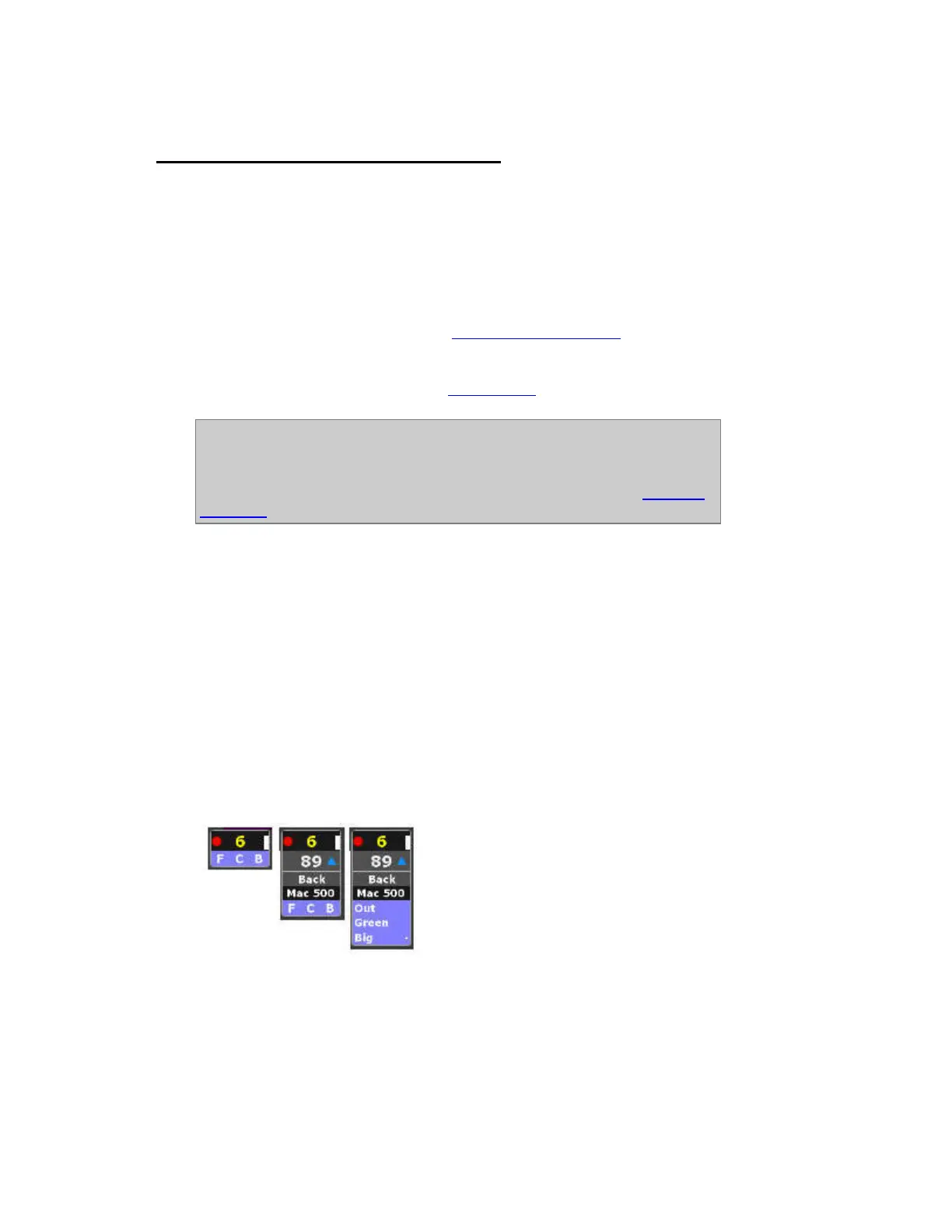
Live view: Channels that are auto-marking are indicated with a blue background on the FCB
indicators. This indicator remains until you press GO.



 To Next Page