Cobalt 8.1 - 20181029
416
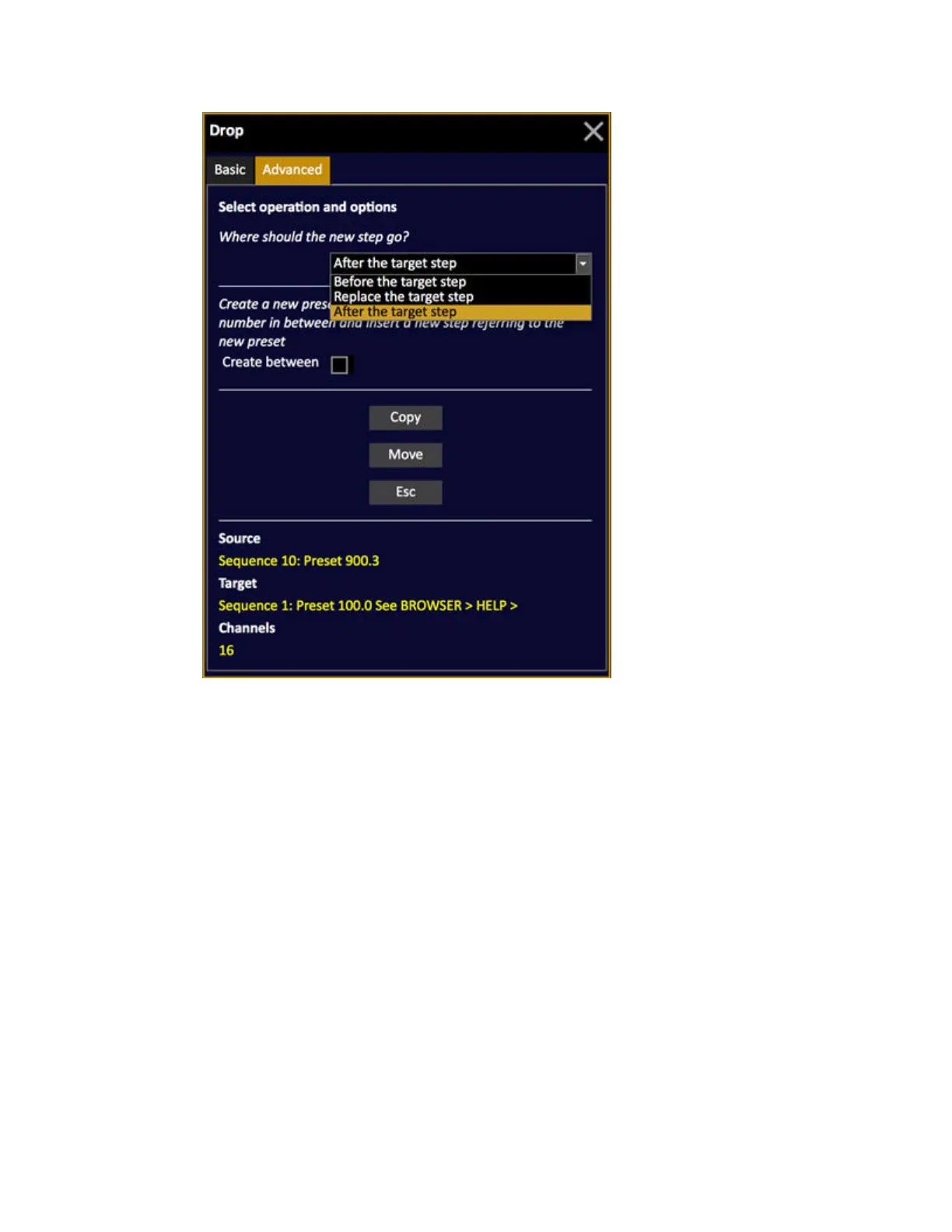
The first option allows you to define where you want to copy/move the step to.
• After the target step (default)
• Before the target step
• Replace the target step
The second option "Create Between" allows you to create a new step with a new preset number and
insert (after/before).
Drag and Drop Device Attributes
Moving and copying device links in a sequence can be done in the organizer, or in the main playback
tab.
Organizer
1. Open the Organizer tab (Browser >Main Show Data >Organizer (1 tab)) and expand the sequence
nodes.



 To Next Page