Cobalt 8.1 - 20181029
514
Track - Presets
A Preset can be tracked through the current Play. The TRACK function used in the Browser will
produce a listing of all sequences and steps where that Preset is used in the current play.
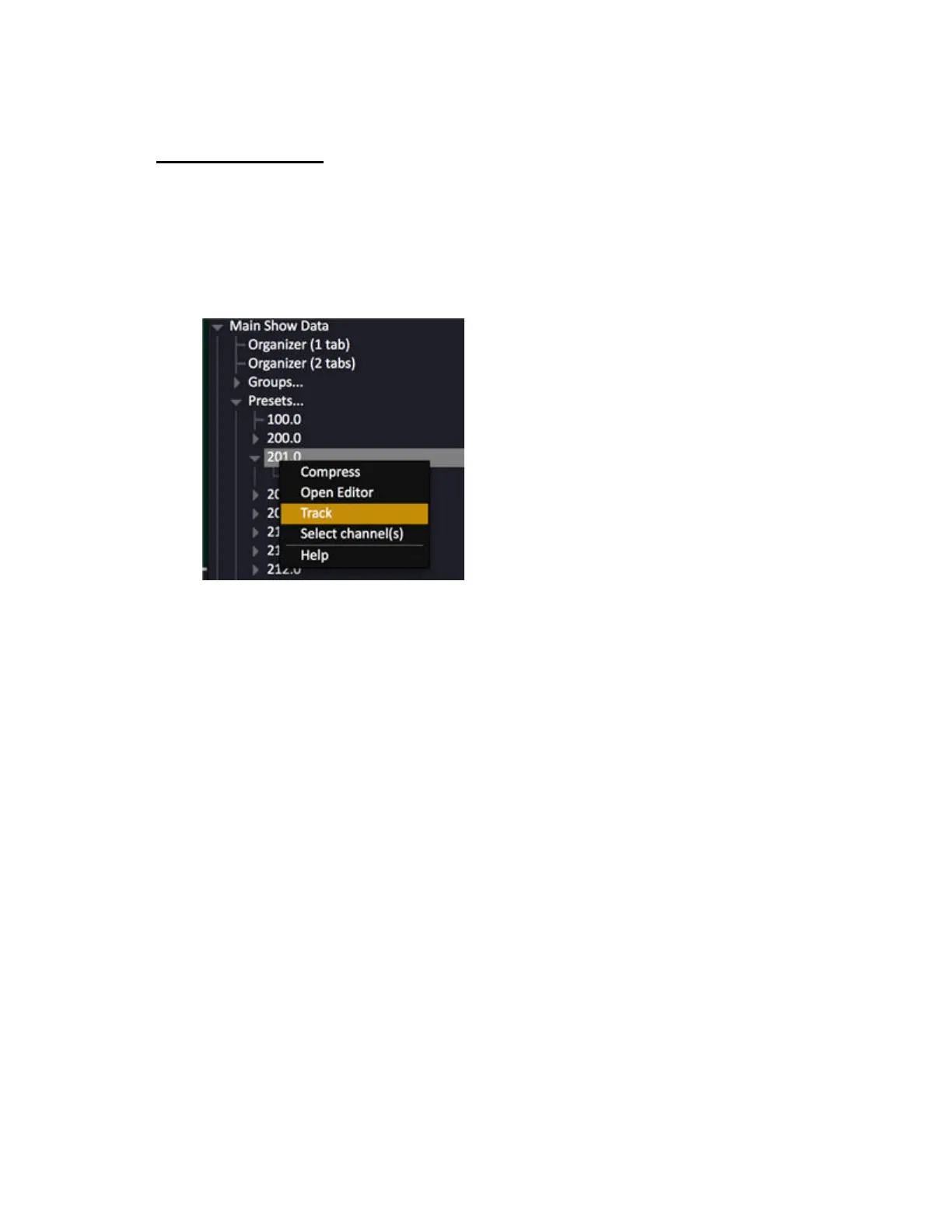
Track a Preset in the Browser
Select the preset under the Preset Node in the Browser (F10) and press TRACK (F12) or use the
context menu Track command (SELECT SELECT or right-click).
Track list for tracking Preset 3.0 from the Browser:



 To Next Page