Cobalt 8.1 - 20181029
788
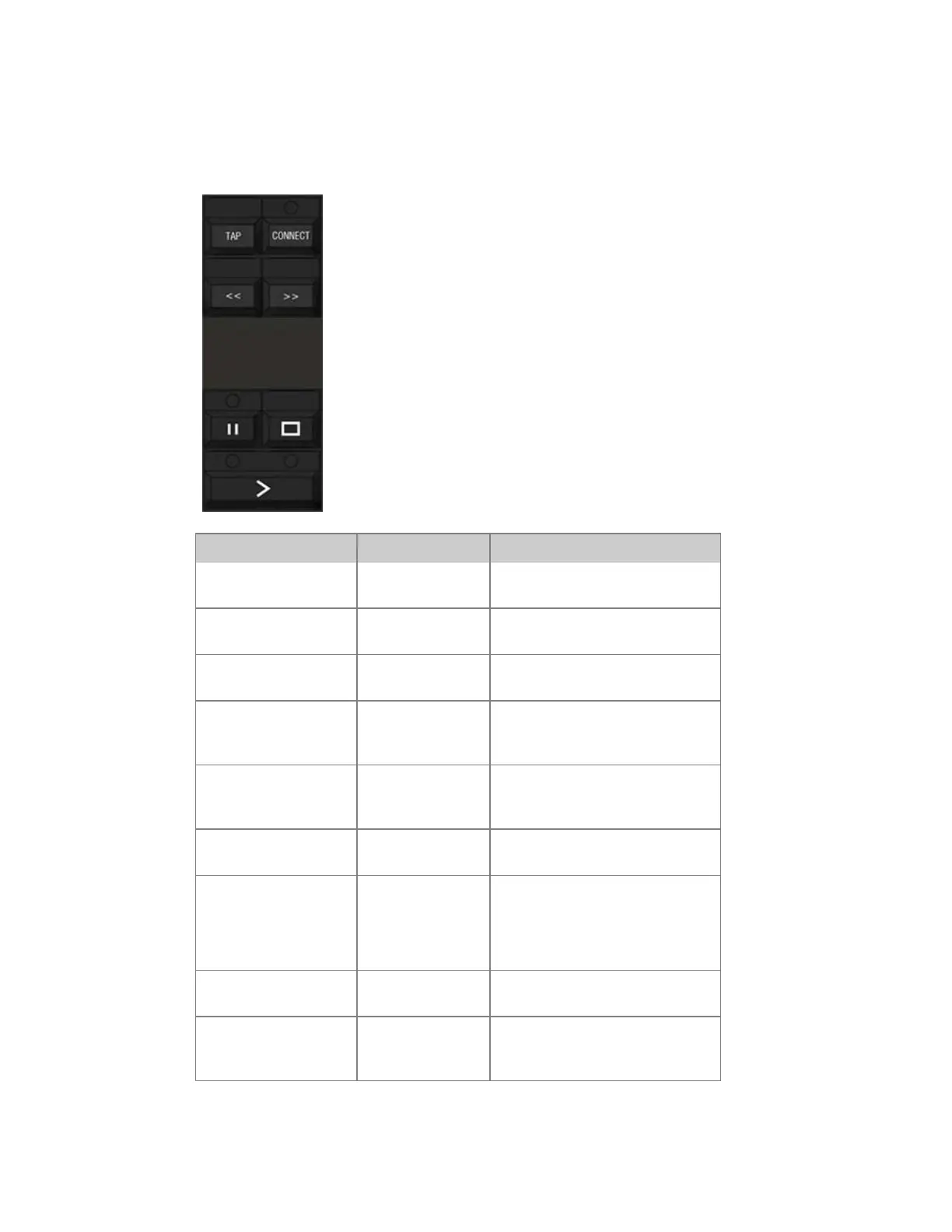
Master Playback - Functions
These are the transport keys for the Master Playback in the masters section.
Function Key Feedback
Start a chase (or
crossfade)
[GO]
Starts a stopped Chase or a
Crossfade for a Sequence
Start a crossfade from
step #
[#] [GO]
Starts a Crossfade to step #
Pause a chase (or
crossfade)
[PAUSE]
Pauses a running Chase or
Crossfade
Reverse a fade
[STOP]
This key is the equivalent of GO
BACK to the previous step of the
Main Playback
Step without times << or >> These keys are the equivalent of
SEQ+ and SEQ- in the Main
Playback.
Change Chase direction << or >> The currently connected Chase
will change direction
Connect a Master
Playback (7.2)
[#] [CONNECT]
or
[CONNECT] &
[Master_Key]
The Chase or Sequence in this
Master is connected to the
Playback keys. Also, the Master
Playback tab is focused.
Disconnect a Master
Playback (7.2)
[0] [CONNECT]
The Master is disconencted from
the Playback keys.
Set a tap tempo to a
Master Playback or
Page.
[TAP] &
[Master_Key]
Hold TAP and press at least twice
on a Master or Page key to set a
BPM tempo.



 To Next Page