Cobalt 8.1 - 20181029
624
Record A Color Palette
1. Select channel(s)
2. Initiate recording of next free Palette or Palette #
Function Key Feedback
Record
[RECORD] &
[COLOR]
Records the next free Color
palette. You will get a
popup*
Record as...
[#] [RECORD] &
[COLOR]
Records as palette #.
You will get a popup*
Record Direct
[RECORD] &
[direct_select]
Records to a direct select in
palette mode. You will get
a popup*
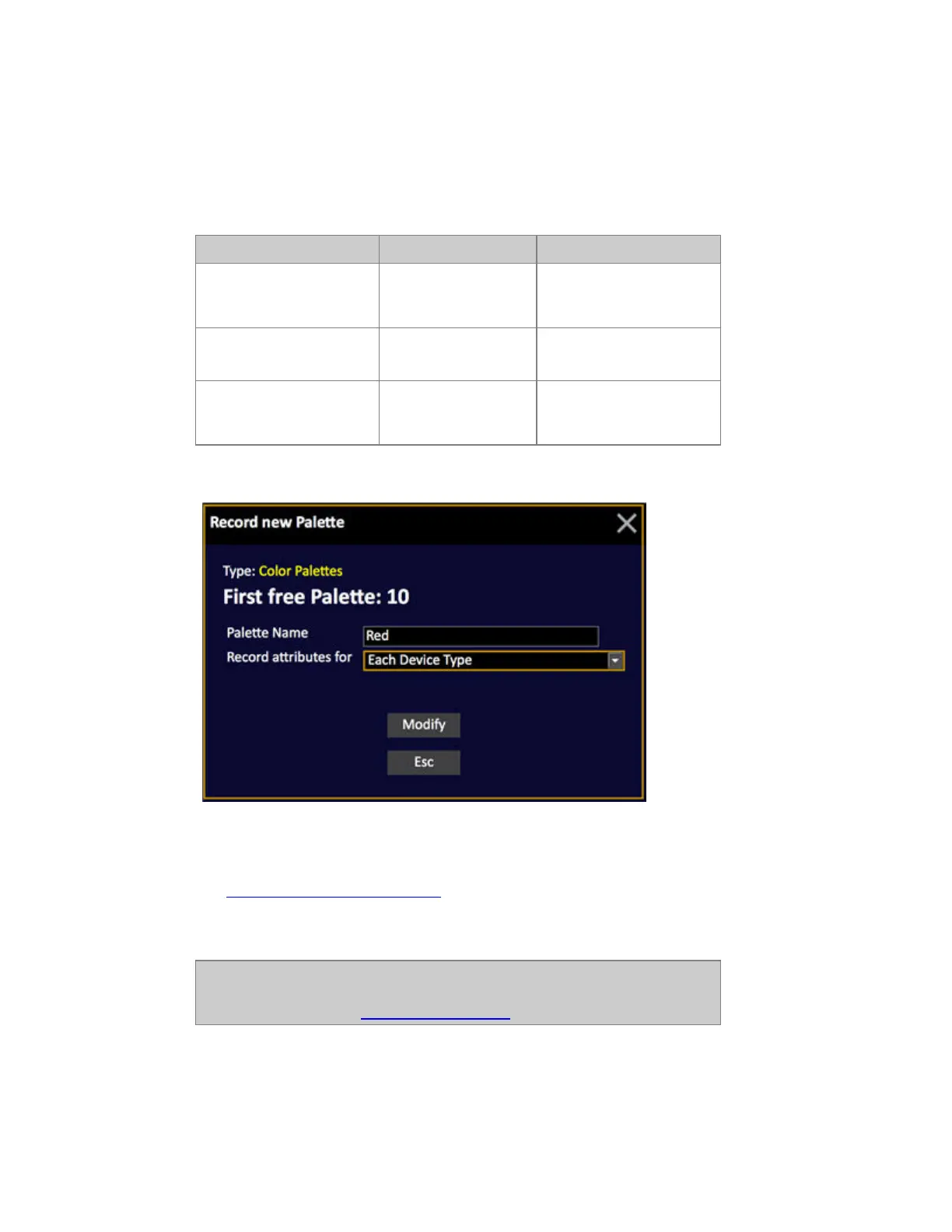
*Popup
3. Enter a text (optional)
4. Select Recording mode. For Color Palettes this is default set to "Each Device Type".
See Each Device or Each Device Type.
5. Press MODIFY to confirm recording.
NOTE
The MASK function can be used to filter out unwanted parameters when
recording a Palette. See Device Control - Mask.



 To Next Page