Cobalt 8.1 - 20181029
191
When finished click on the X in the top right corner.
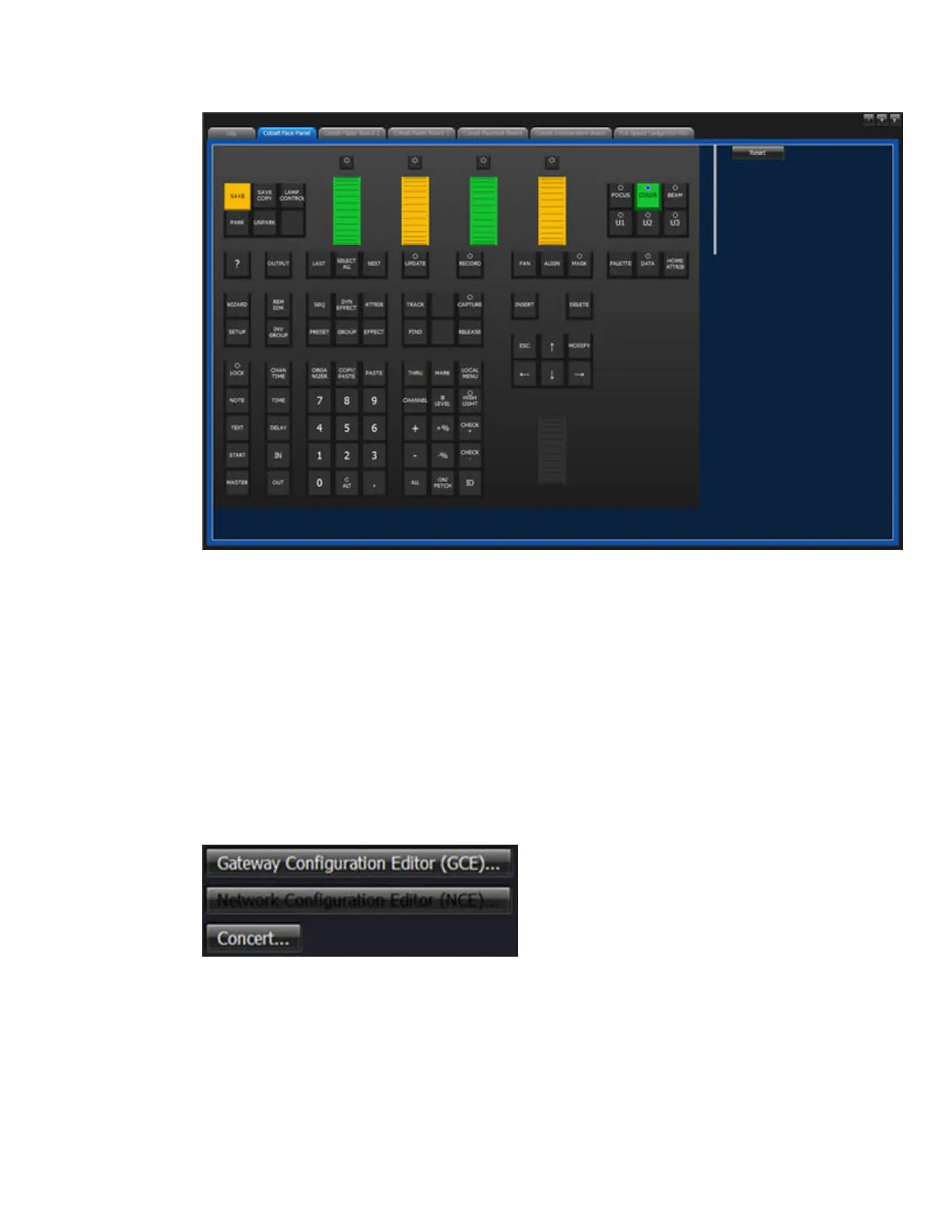
Network Configuration Applications (GCE, NCE, Concert etc)
The Network Configuration Applications are found in the Utilities tab of the System Settings
(Browser>Files>Exit To System Settings)
This is where you can configure your Net3 Gateways and ETC Networks. To be able to configure
nodes from the console NCE and/or Concert (that has replaced GCE) have to be installed, which they
are default. You may want to update Concert. Download the latest Concert from the ETC website, put
it on a USB stick in the same folder as Cobalt installers and install it in the same way as you update
the Cobalt software.
Please check the corresponding manuals for these products.



 To Next Page