Cobalt 8.1 - 20181029
383
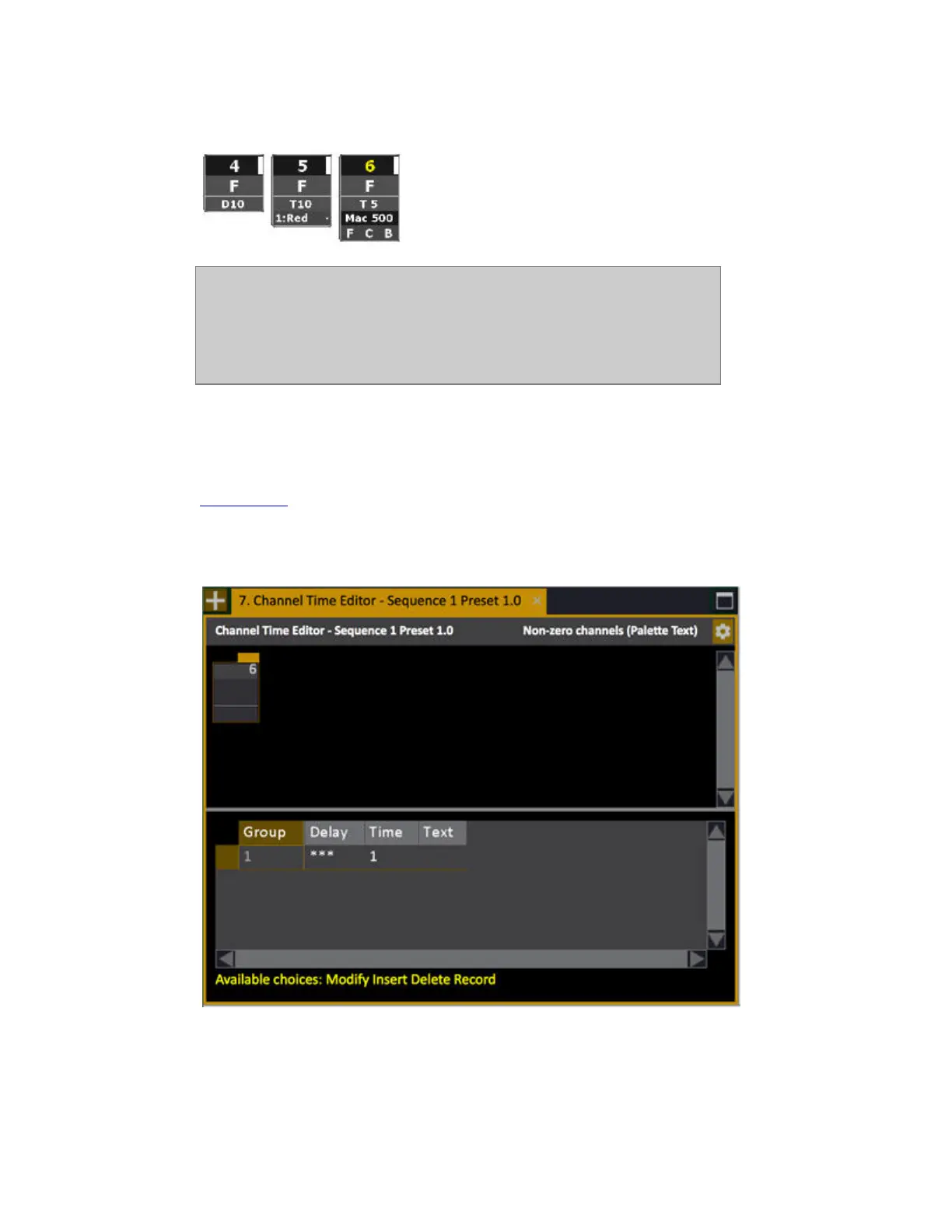
This is how the time is indicated in the live channel view, under the level.
NOTE
When Channel Times are activated, the first four Channel Times are shown
on the Main Display over the 4 wheels. The status for each Channel Time is
displayed over each wheel. Rate for each channel can be adjusted with the
corresponding wheel and the Channel Time can be started/stopped with the
corresponding wheel key.
Sequence - Channel Time Editor
press MODIFY in the ChTime column of the Sequence List to open the channel time editor. See
Sequence List
.
Here you can add a text to each channel time group. This text is shown in the graphical time line view
of the Playback list.



 To Next Page