Cobalt 8.1 - 20181029
120
Copy, Cut & Paste
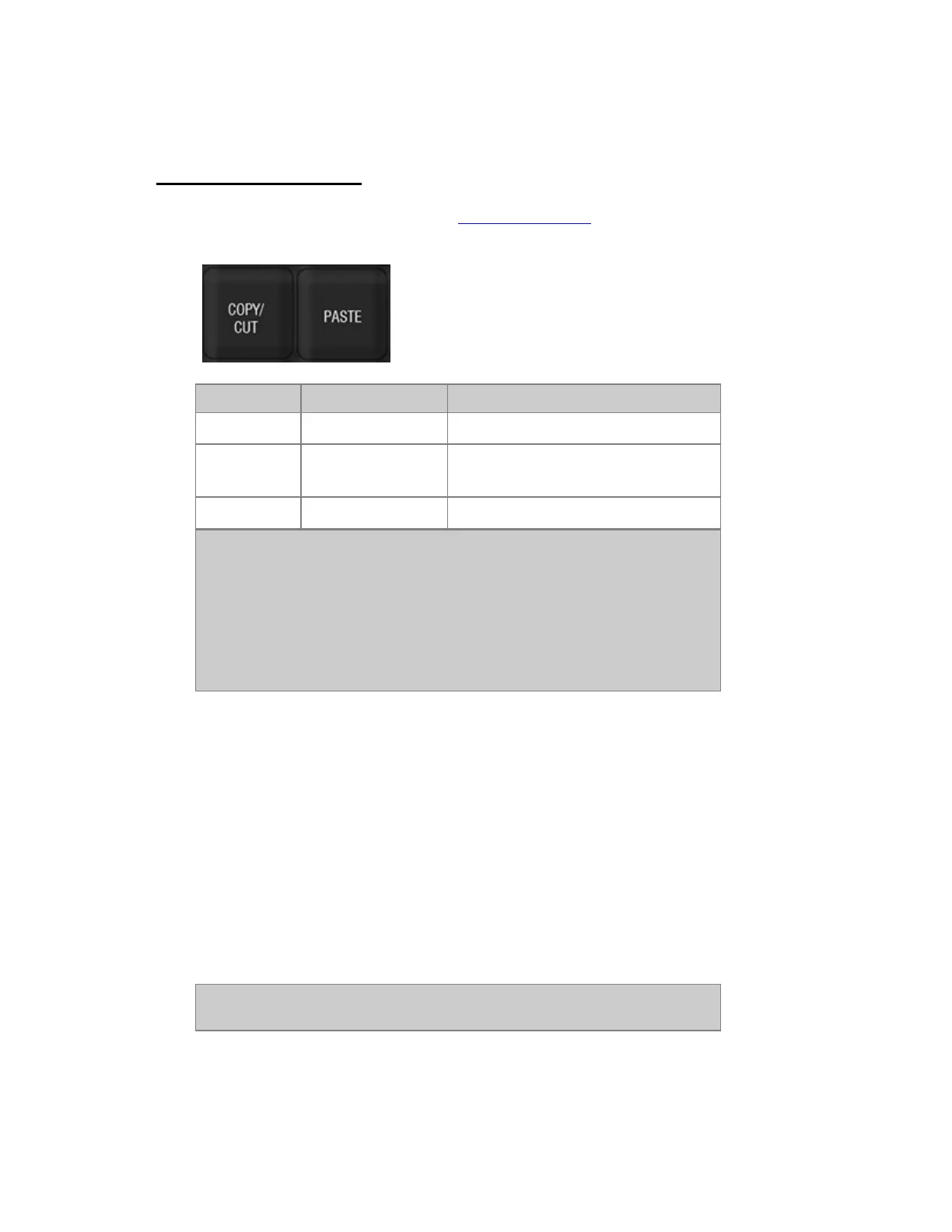
The COPY/CUT and PASTE keys in the programming section are general keys, and can be used to
cut and paste for example Sequence Steps, Groups, Presets and Device Templates.
Action Key Feedback
Copy
[COPY/CUT]
The currently selected object is copied.
Cut
[COPY/CUT]
[COPY/CUT]
The currently selected object (devices
excluded) is cut.
Paste
[PASTE]
The last copied or cut object is pasted.
NOTE
When you paste a Sequence step in the Sequence Editor, it will be inserted
before the currently focused step.
When you paste a Preset in the Preset Editor, you will overwrite the content
of the currently focused preset. This applies to Groups as well.
Texts can be copied with the shortcut CTL-C from a keyboard.
Copy, Cut & Paste Attributes
In the Preset List it's possible to copy, cut and paste attributes for the selected channels from any step
to any other step.
1. Open the Preset List.
2. Go to the Attributes Column.
3. Select channel(s) to copy or cut from.
4. Press COPY to copy, press COPY again to CUT (see the confirmation in the message bar at
bottom of the screen).
5. Move to the attributes column for the Preset you wish to copy to.
6. Press PASTE
NOTE
Attibutes with the value "0" will not be pasted.



 To Next Page