Cobalt 8.1 - 20181029
256
Action Macro List
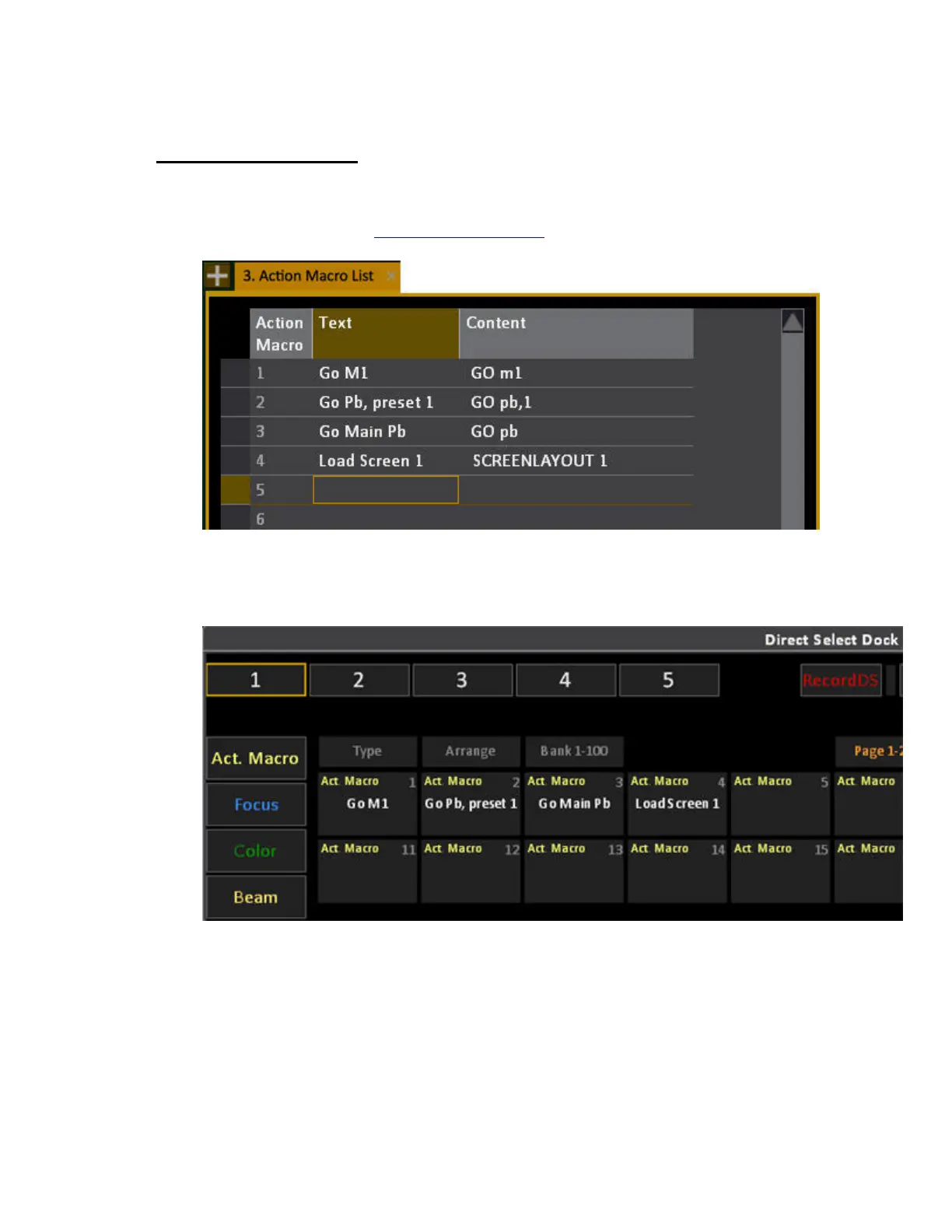
The Action Macro list (Browser>General Settings>Action Macro List) allows you to create Action
Macros that are available in the Direct Select tab (DS) as screen buttons. For information on how to
create an Action Macro see Event List - Action Macros
.
Each Action Macro will appear on the DS button with the corresponding number when the content
type Action Macro is selected. If you rearrange in the DS dock the Action Macros will be rearranged
in the list, since the number corresponds to a button.



 To Next Page