Cobalt 8.1 - 20181029
236
Record Screens (8.0)
Screens can be recorded directly to the screen keys in the consoles, in the screen tab and in the Direct
Selects.
To the screen keys
1. Hold RECORD and press a SCREEN KEY.
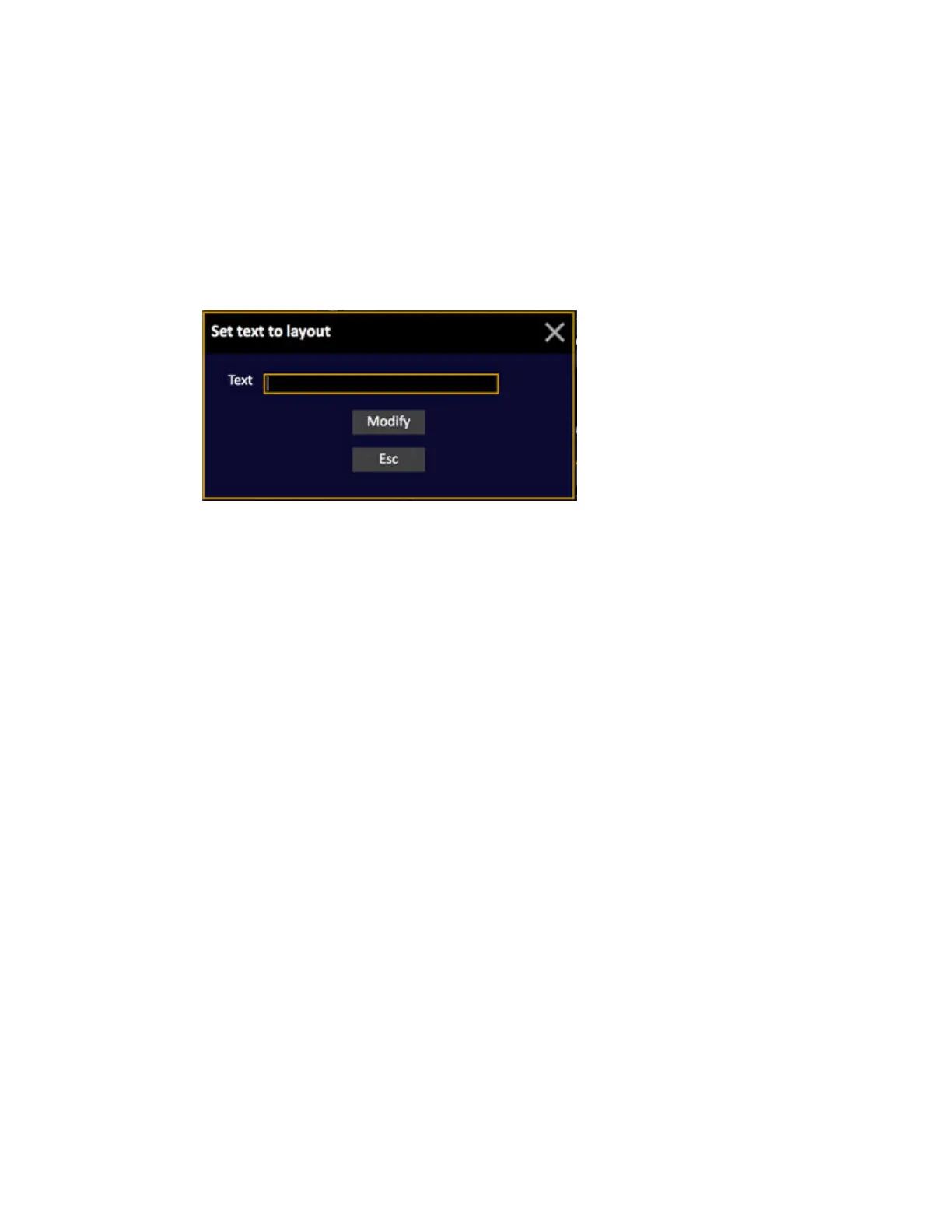
2. You will get a popup where you can name the screen
In the screen tab
1. Open the screen tab (click on the symbol in the top right corner of all screens)
2. Click on the RECORD symbol. All recordable screen symbols will be highlighted and you
can select an existing one or NEW.
3. You will get a popup where you can name the screen.



 To Next Page