Cobalt 8.1 - 20181029
255
Macros - Record & Playback
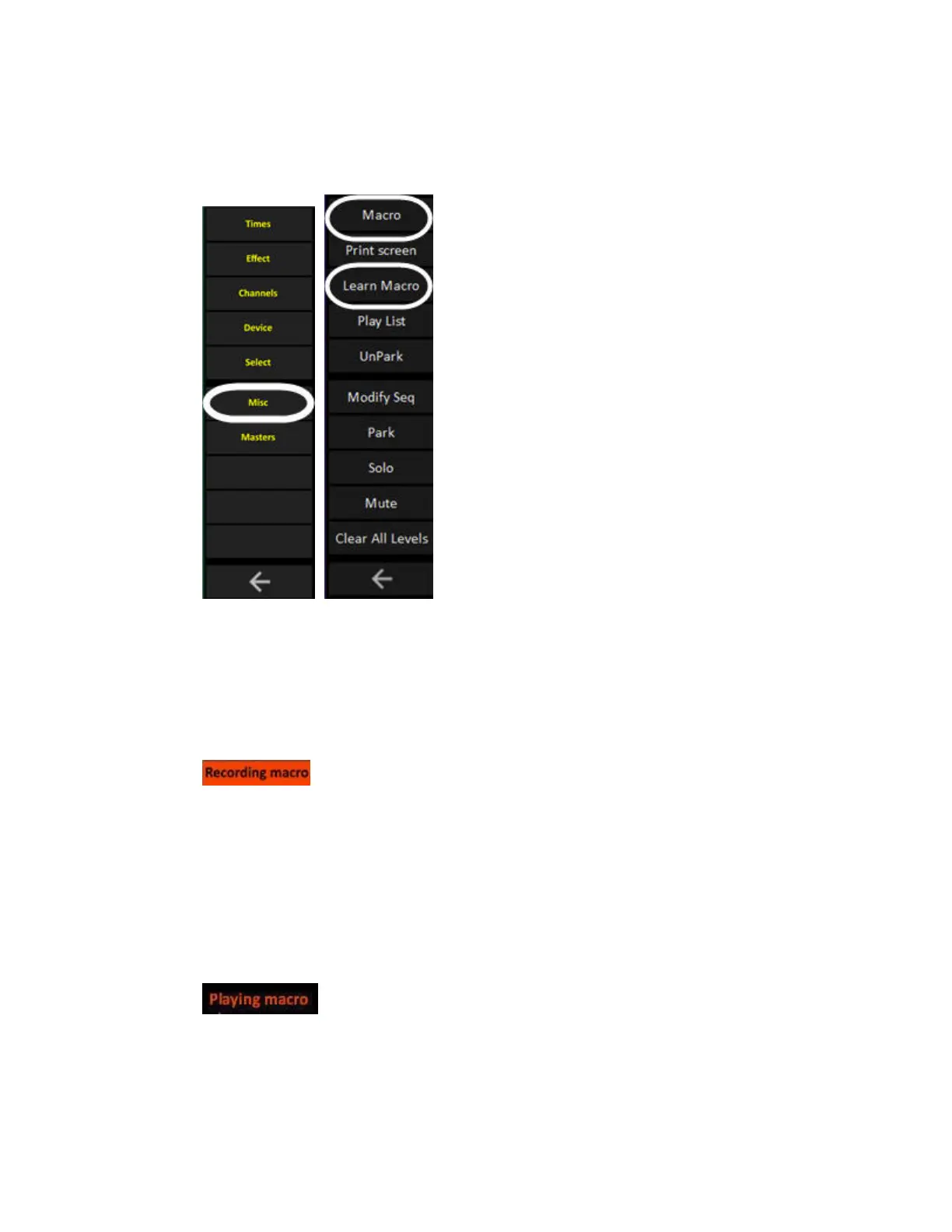
Macros are recorded with the LEARN MACRO soft key of the Misc Soft key page in the consoles.
Record a Macro
1. Select the Misc Soft Key page.
2. Enter a number and press LEARN MACRO. As long as recording is going on the text "Recording
macro" is displayed in the top right corner of the screens.
3. Click on Recording Macro in the top right corner of the screens to end recording.
Playback a Macro
Enter the number and press MACRO. As long as the Macro is being played back the text "Playing
macro" is displayed in the top right corner of the screens.



 To Next Page