Cobalt 8.1 - 20181029
264
*
Patch a channel range
Action Key Feedback
1. Select channel range Channel functions Channels are selected
2. Patch to output(s)
[#] [MODIFY]
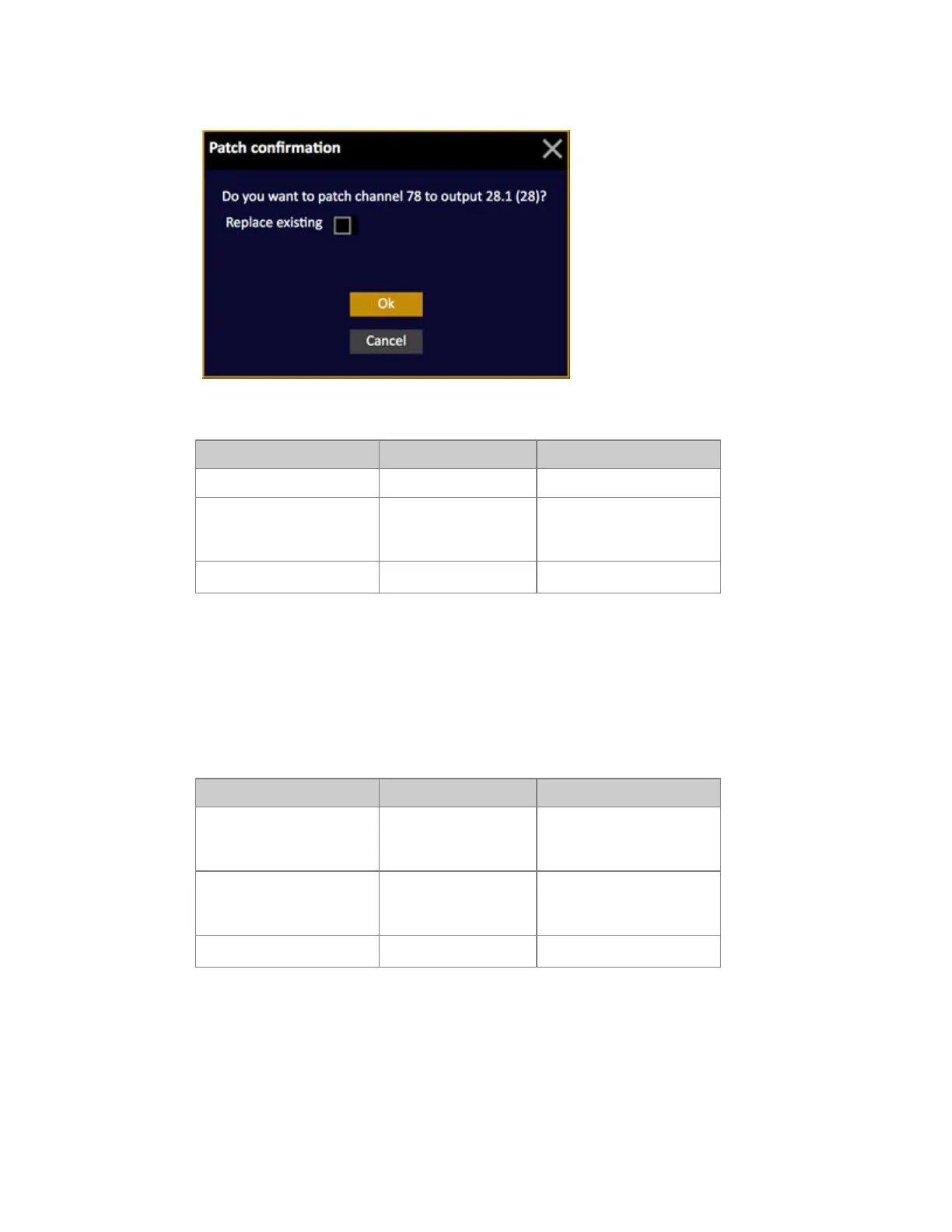
A popup will ask if you
want to patch a range of
outputs starting at #
3. Confirm
[MODIFY]
Patch is complete.
Output Editor - Patch By Dimmer
As soon as an output is selected, the Output Editor is automatically in outputmode. Select a single
output or a range of outputs to patch to channels. Use 0 MODIFY to unpatch.
Patch a single output
Action Key Feedback
1. Select output
[#] [OUTPUT]
Output is selected. You can
use the format
output.universe.
2. Patch to channel
[#] [MODIFY]
A popup will ask if you
want to replace existing
channel*
3. Confirm
[MODIFY]
Patch is complete.



 To Next Page