Cobalt 8.1 - 20181029
738
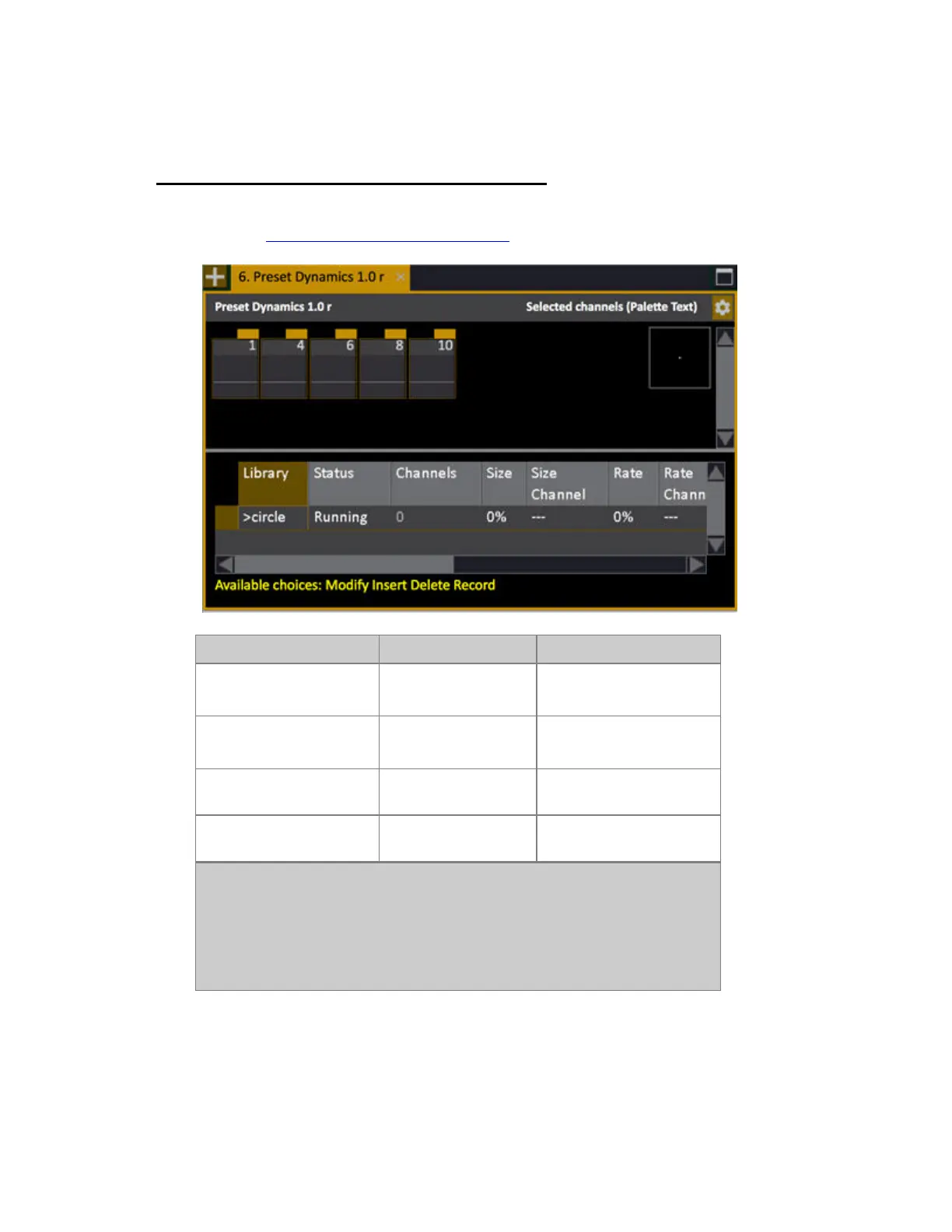
Dynamics - Preset Dynamics Editor
The Preset Dynamics Editor is identical to the Live Dynamics Editor. All editing functions are the
same. See Dynamics - Edit Live Dynamic Effects
.
Function Key Feedback
Open Preset Dynamics
Editor for Preset #
[#] [PRESET] &
[DYN_EFFECT]
Dynamic Editor for Preset
# is opened.
Open Preset Dynamics
Editor for the Preset in A
[PRESET] &
[DYN_EFFECT]
Dynamic Editor for the
Preset in A is opened
Open Preset Dynamics
Editor for the Preset in A
[DYN_EFFECT] & [A]
Dynamic Editor for the
Preset in A is opened
Open Preset Dynamics
Editor for the Preset in B
[DYN_EFFECT] & [B]
Dynamic Editor for the
Preset in B is opened (4.2)
NOTE
You can open this editor in two more ways
• Double-click on "Dyn:#" in the Sequence Playback View
• Press MODIFY in the Dynamics Column of a Preset List



 To Next Page