Cobalt 8.1 - 20181029
804
Masters - Channels
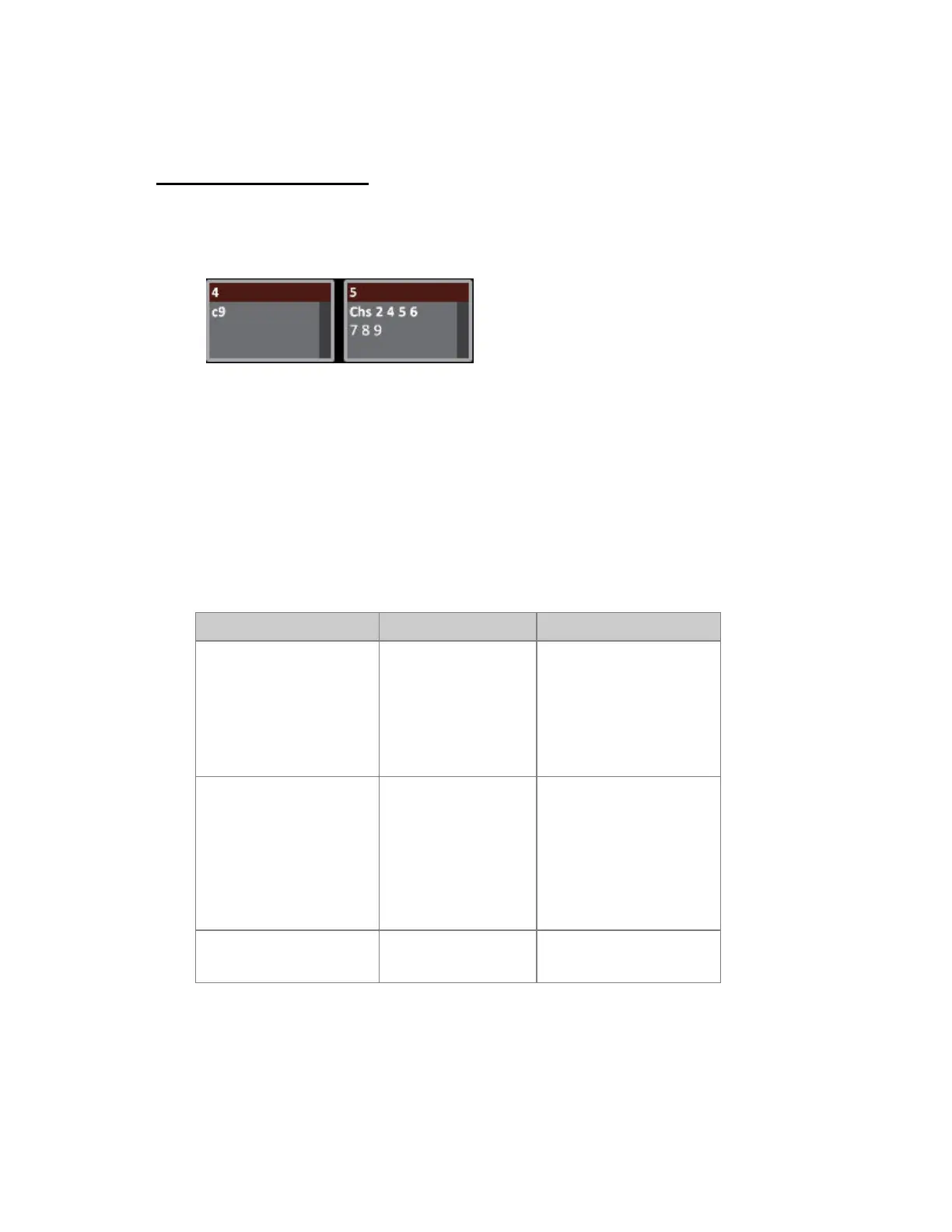
Hold CHANNEL and press a Master Key to load and play back single channels (Ch#) so several
masters starting from the first pressed, or GROUP and Master key to load a group of channels
(Chs) to any master playback. They are stored in the current Master Page.
Once a channel is loaded to a master you can
• Use the master fader to set the level
• Use the flash key to flash the channel
• Use the master key to select the channel
Load channels to masters
These functions are used to load channels (with levels) to masters.
Function Keys Feedback
Channels
[GROUP] &
[Master_Key]
The selected channel(s) are
loaded with current level to
the Master, which is set to
full to avoid a Black Out of
these channels on stage.The
channel levels are also
cleared from A.
Single channels
[CHANNEL] &
[Master_Key]
The selected channel(s) are
loaded at 100% to the
Master Playbacks, starting
at the one pressed. The
master level will be set to
the level from stage and
this level will be cleared
from the A field.
Ch # at 100%
[#] [CHANNEL] &
[Master_Key]
Channel # is loaded at
100% to the Master.



 To Next Page