Cobalt 8.1 - 20181029
347
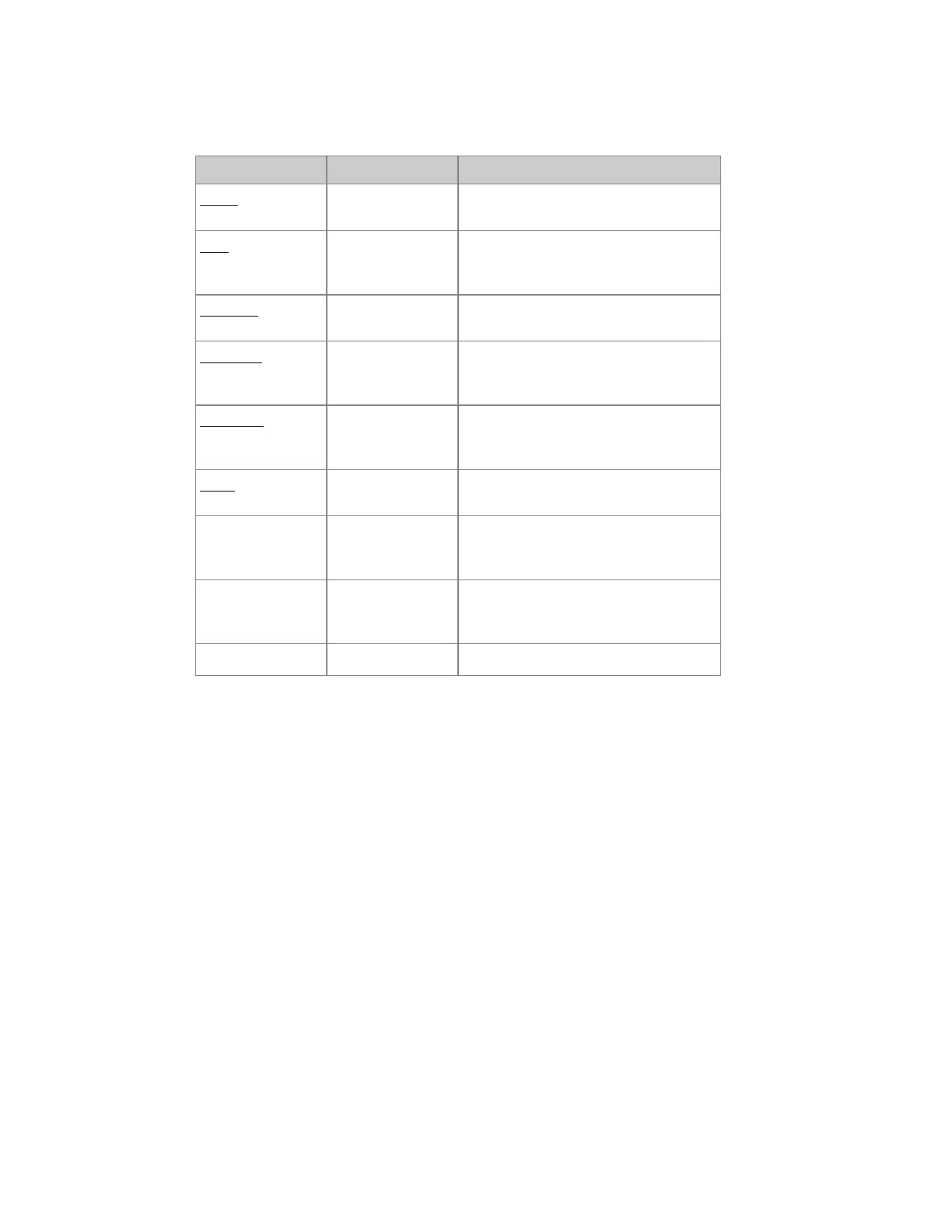
Preset List - Columns
Column Input Function
Preset No input The number of this Preset - cannot be
edited.
Text ABCDE... Press MODIFY to activate and end text
input. This text is shown also in the
Playback views.
Channels No input Shows how many channels/devices that
are stored with an intensity in this Preset
Attributes
[MODIFY]
Shows how many moving devices are
stored in this Preset. MODIFY opens
the attribute editor.
Dynamics
[MODIFY]
Shows how many Dynamics are stored
in this Preset. MODIFY opens the
Dynamics editor.
Mask
[MODIFY]
Open the Mask editor where you can
mask any parameter.
FCB-Time
[#] [MODIFY]
Hold C and press MODIFY to enter a
time in seconds instead of % of the main
fade times.
FCB-Delay
[#] [MODIFY]
Hold C and press MODIFY to enter a
time in seconds instead of % of the main
fade times.
Note
[MODIFY]
Opens the Note list for a note



 To Next Page