Cobalt 8.1 - 20181029
604
Device Views - Editing
When you open a device view you can use all palette and wheel controls to edit attributes.
NOTE
All attribute views need to be unlocked for screen editing by holding SETUP
& TAB and activating in the popup.
If you unlock the view for screen editing you can enter a value or a Palette reference, depending on
the Attribute Editor Default Settings. The default setting is Palette. See Attribute Settings.
This is how you can enter values for the selected cell(s). To save changes press UPDATE.
Function Key Feedback
Enter a value*
[#] [MODIFY]
The Palette # is assigned to
the selected cell(s)
Open a dropdown
[MODIFY]
All available Palettes
(FCB) for the selected
cell(s) are opened in a
dropdown
Set an absolute value
[#] [C/Alt] &
[MODIFY]
The absolute value is set to
the selected cell(s) (not 16
bit values)
Delete the content of
selected cell(s)
[DELETE]
The content is deleted for
these cells.
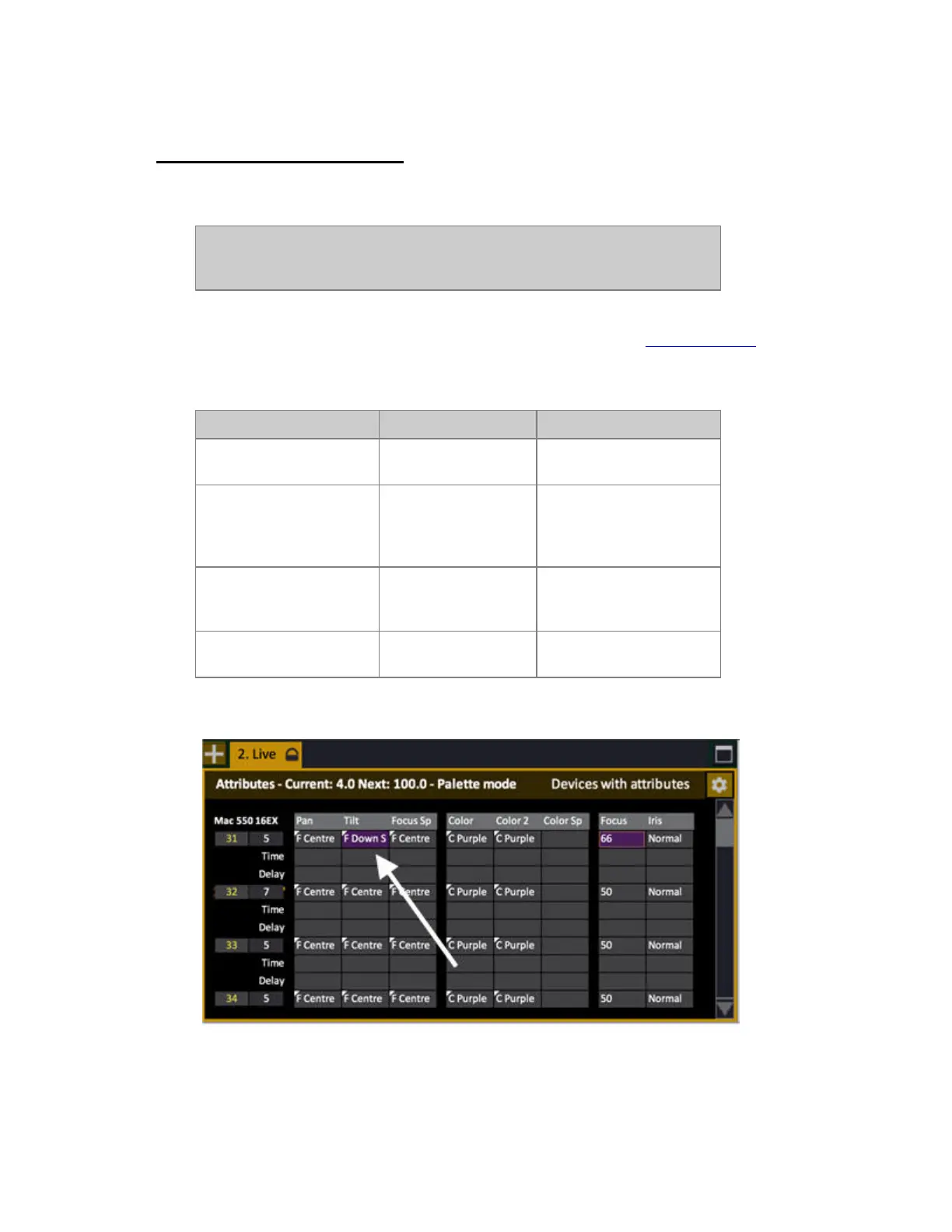
*Changed values get a purple background in the Live Attributes View



 To Next Page