Cobalt 8.1 - 20181029
370
Sequences - List
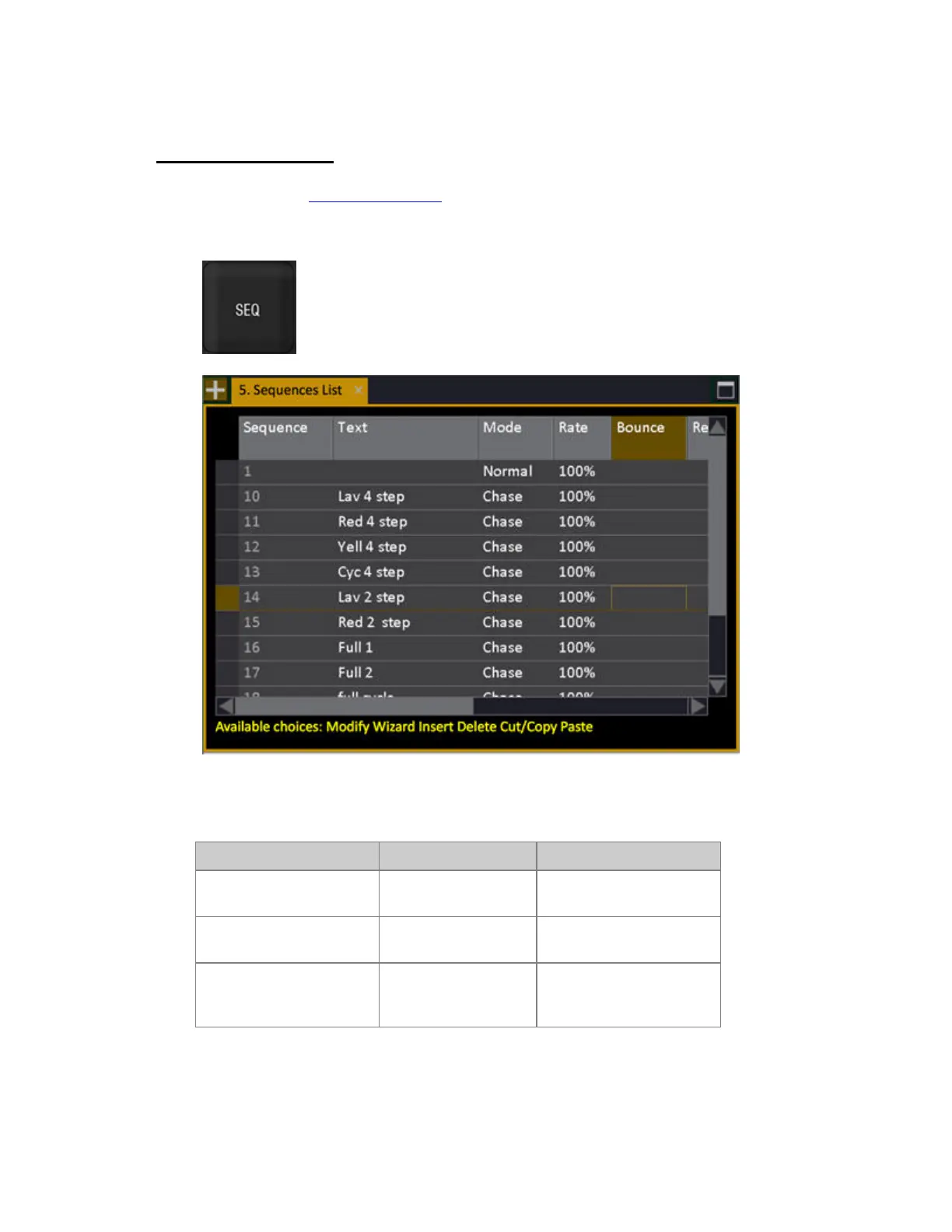
Press SEQ in the programming section to open the Sequences List. You can insert and delete
sequences, and change playback modes (normal/chase). (BROWSER >Main Show Data
>Sequences...).
Sequences List - Insert/Delete/Load
Function Key Feedback
Insert
[#] [INSERT]
Sequence # is inserted into
the list
Delete
[DELETE]
The selected sequence is
deleted*
Load
[Master_Key]
The selected sequence is
loaded to this Master
Playback.
*The Sequence is deleted, and all timing and text information. The Preset still exists in the Preset list
and can be used again.



 To Next Page