Cobalt 8.1 - 20181029
568
Partitions - List
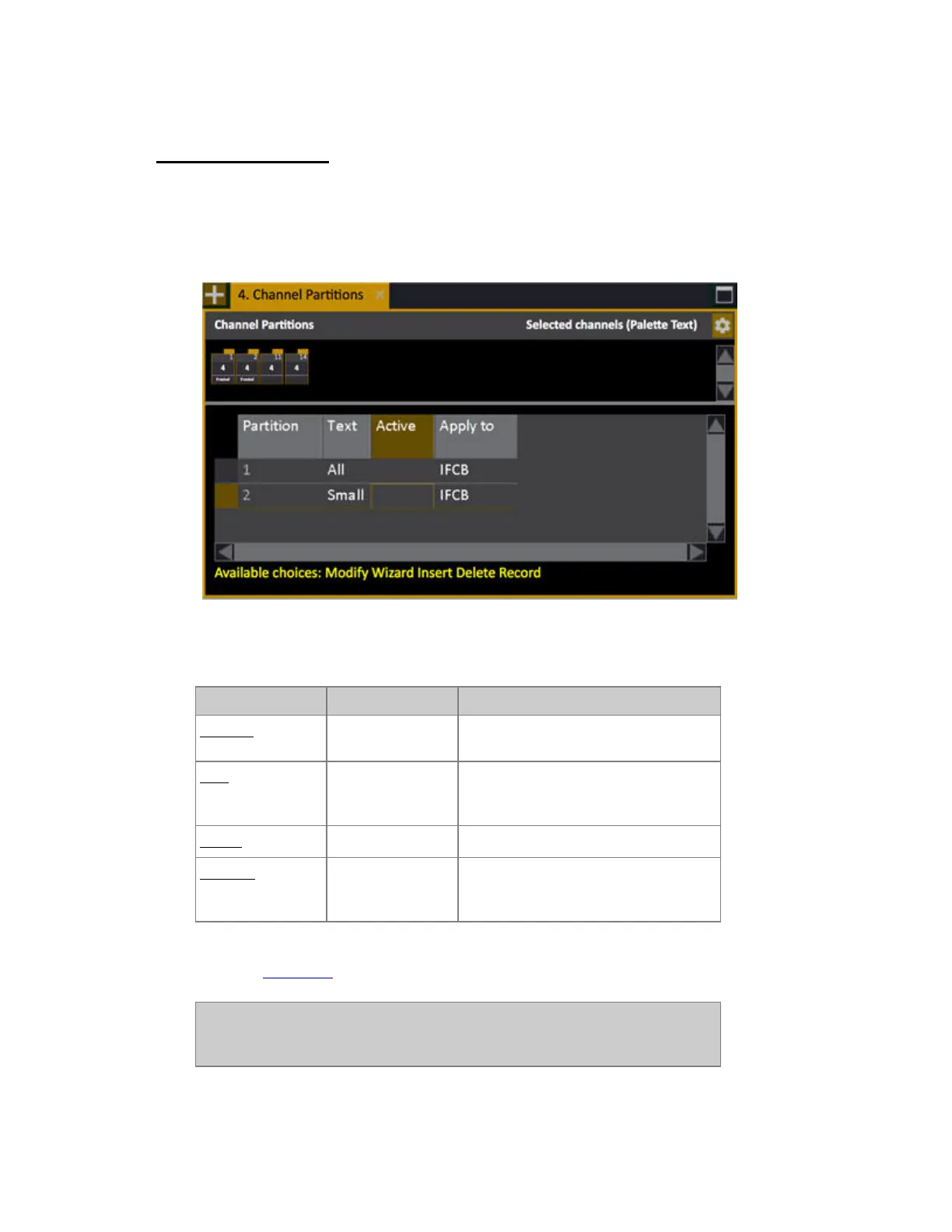
Open the Partition List from the Browser (Browser >Channels >Settings and Tools >Channel
Partitions).
You can view, edit and create new Partitions in this list.
Partitions List - Columns
Function Key Feedback
Partition
The ID of each Partition. Cannot be
changed.
Text
[MODIFY]
Press MODIFY to activate and end text
input. This text is shown in the top bar
of the channel views.
Active
[MODIFY]
Toggles the Partition on/off. *
Apply to
[MODIFY]
Opens a dropdown where it is possible
to select if the Partition applies to IFCB,
I, C, FB/Other.
* If a User is logged in that does not have permission to activate a Partition, the Active cell will show
"---". See User Login.
NOTE
The default Partition "All" is always defined to allow access to the full
system.



 To Next Page